Working with an inexperienced or low-budget photographer can create technical problems.
Yet more often, product photoshoots struggle not because of the photographer—but because the preparation wasn’t aligned before the shoot day.
Missed samples. Wrong colorways. Unapproved packaging. Incomplete shot lists. Last-minute changes. Unclear deliverables. These are the real reasons shoots run long, budgets stretch, and teams walk away frustrated.
The difference between a smooth, efficient shoot and a chaotic one isn’t talent—it’s preparation.
If you want your next product shoot to run cleanly and deliver exactly what marketing, ecommerce, and design need, here’s how to prep your team step by step.
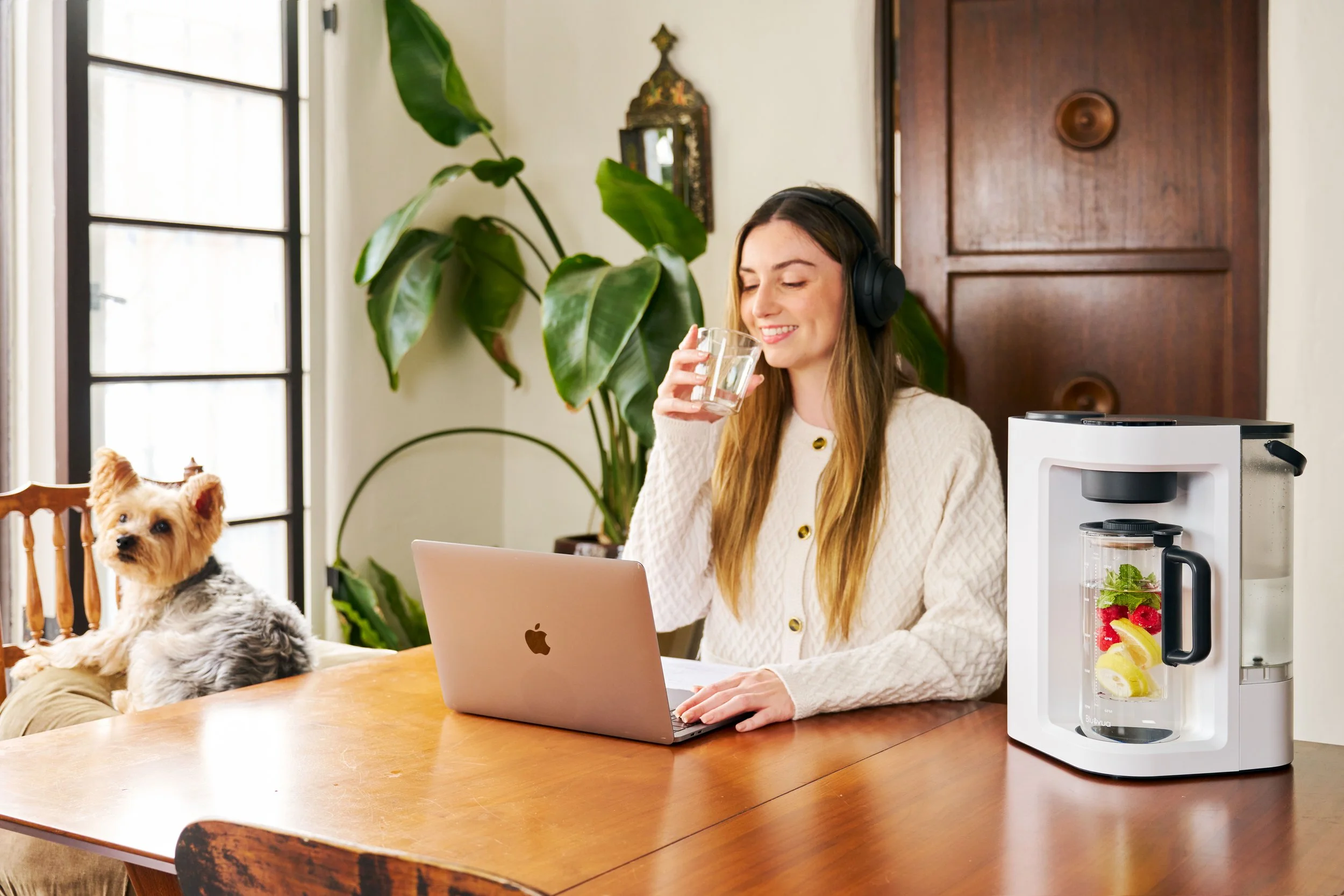
When the shot list is locked early, every angle serves a purpose across ecommerce and marketing. © Rare Studio LA
Step 1: Define the Objective Before You Book the Shoot
Before discussing lighting or creative direction, answer one question clearly:
What is this shoot for?
Different goals require different approaches:
Amazon listings
Shopify PDP images
Paid social ads
Email campaigns
Retail decks
Brand launches
If the objective isn’t defined early, the final images may look good but fail to perform where they’re actually needed.
Align internally on:
Primary usage channel
Required formats (square, vertical, landscape)
Key selling points
Brand tone (clean, premium, playful, minimal, bold)
Clarity at this stage prevents expensive reshoots later.
Step 2: Lock the Shot List
A vague direction like “we’ll figure it out on set” creates inefficiency.
Every shoot should have a documented shot list that includes:
Hero angle
Secondary angles
Detail shots
Lifestyle variations (if needed)
Specific features to highlight
Required crops for ads or thumbnails
This ensures:
Nothing gets missed
Time is allocated properly
Everyone understands what “done” looks like
A clear shot list is one of the most powerful tools for staying on schedule.
Step 3: Prepare Final, Approved Product Samples
Do not bring prototypes unless absolutely necessary.
Make sure:
Packaging is final
Labels are approved
Colors match production
Finishes are accurate
No scratches, dust, or defects are visible
Photography captures everything. Small imperfections become big problems in post-production.
If multiple colorways are involved, double-check that the correct versions are packed and labeled clearly.
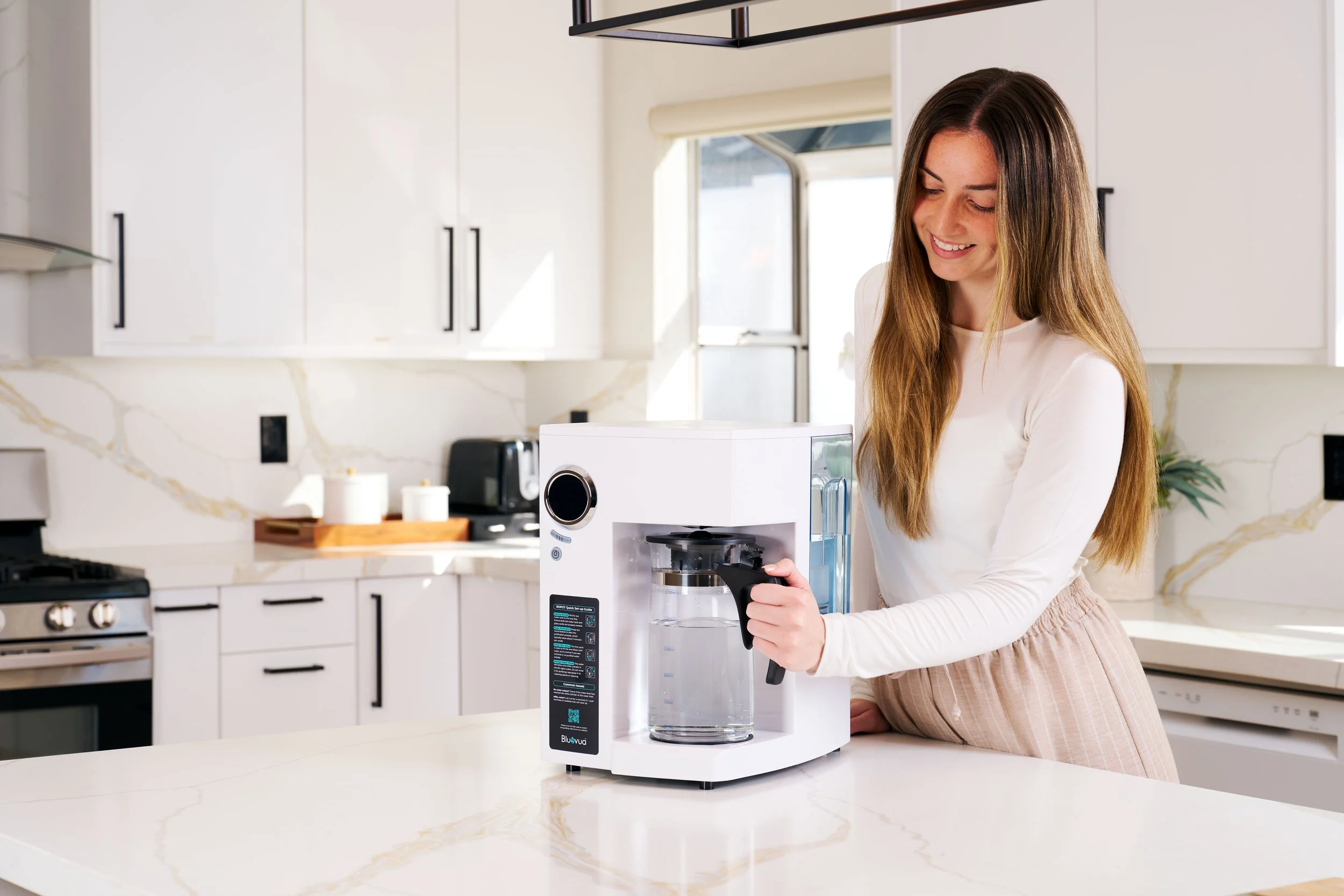
Clear objectives and defined usage channels shape how lifestyle scenes are planned and executed. © Rare Studio LA
Step 4: Prep the Products Physically
For apparel and soft goods:
Steam garments
Remove lint and loose threads
Shape hems and collars
For hard goods:
Clean surfaces
Remove fingerprints
Polish reflective materials
Inspect for scratches
The more work you do before the camera turns on, the less retouching is required later.
Preparation reduces editing time, protects realism, and saves money.
Step 5: Align on Brand References
Visual consistency doesn’t happen by accident.
Before the shoot:
Share brand guidelines
Provide previous campaign images
Clarify lighting direction preferences
Confirm background expectations
Discuss shadow depth and tone
If you don’t define visual references ahead of time, interpretation gaps will appear on set.
Alignment early equals consistency later.
Step 6: Assign a Clear Decision-Maker
One of the biggest sources of friction during shoots is unclear authority.
Too many opinions slow the process.
No decision-maker stalls it entirely.
Before the shoot:
Designate who gives final approval
Clarify who signs off on lighting and composition
Decide who handles change requests
Clear leadership keeps the shoot efficient and focused.

Prepared products and aligned references keep complex shoots efficient and on schedule. © Rare Studio LA
Step 7: Confirm Deliverables and Timeline
Misunderstood expectations often surface after the shoot ends.
Clarify:
Number of final images per SKU
Retouching level
File formats and sizes
Naming conventions
Delivery timeline
This prevents post-shoot confusion and unnecessary revisions.
Step 8: Think Beyond the Shoot Day
Preparation should also consider how the images will be used long-term.
Ask:
Will this style scale across new SKUs?
Does the lighting system allow repeatability?
Can we add future products without visual drift?
Are we building a system—or just shooting once?
Strong shoots don’t just produce images.
They create infrastructure for future launches.
Common Mistakes to Avoid
Booking the shoot before the product is finalized
Forgetting secondary angles needed for ads
Relying on retouching to “fix it later”
Changing direction mid-shoot without adjusting timeline
Not aligning marketing and ecommerce teams beforehand
Most chaos is preventable.
The Bottom Line
A successful product photoshoot isn’t about improvisation.
It’s about preparation.
When objectives are clear, products are ready, references are aligned, and decision-makers are defined, the shoot becomes efficient—and the results become predictable.
Preparation protects your budget.
It protects your timeline.
And it protects your brand consistency.
Planning a shoot and want it to run smoothly?
The best photoshoots feel calm because the groundwork was done beforehand. If you’re preparing for a launch or expanding your catalog, having a clear system makes all the difference.
At Rare Studio LA, we help brands plan and execute product shoots that stay efficient, consistent, and scalable.
You can explore our work at rarestudiola.com, and check our Google reviews if you want to hear from teams we’ve partnered with.