Should You Hire a Photographer or Shoot In-House? Pros, Cons, and Real Costs

When brands reach the stage where consistent product photography becomes essential, they eventually face the same question:

Should we build an in-house photo setup or hire a professional photographer?

Shooting internally often feels cheaper and more flexible. Hiring a professional seems more expensive upfront. But the real cost difference—time, consistency, brand impact, and workflow efficiency—usually isn’t where brands expect.

Here’s a grounded breakdown to help you make an informed decision.

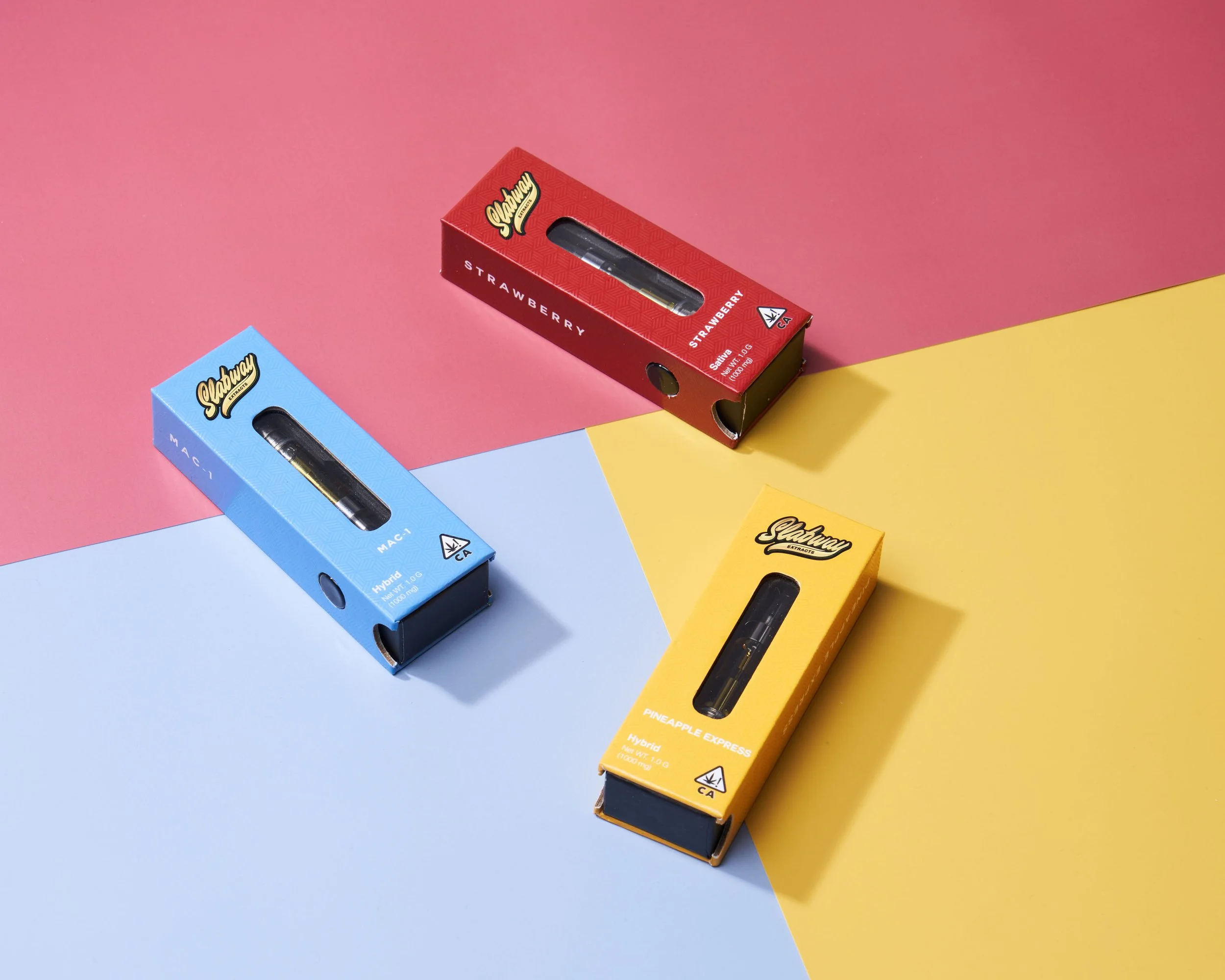
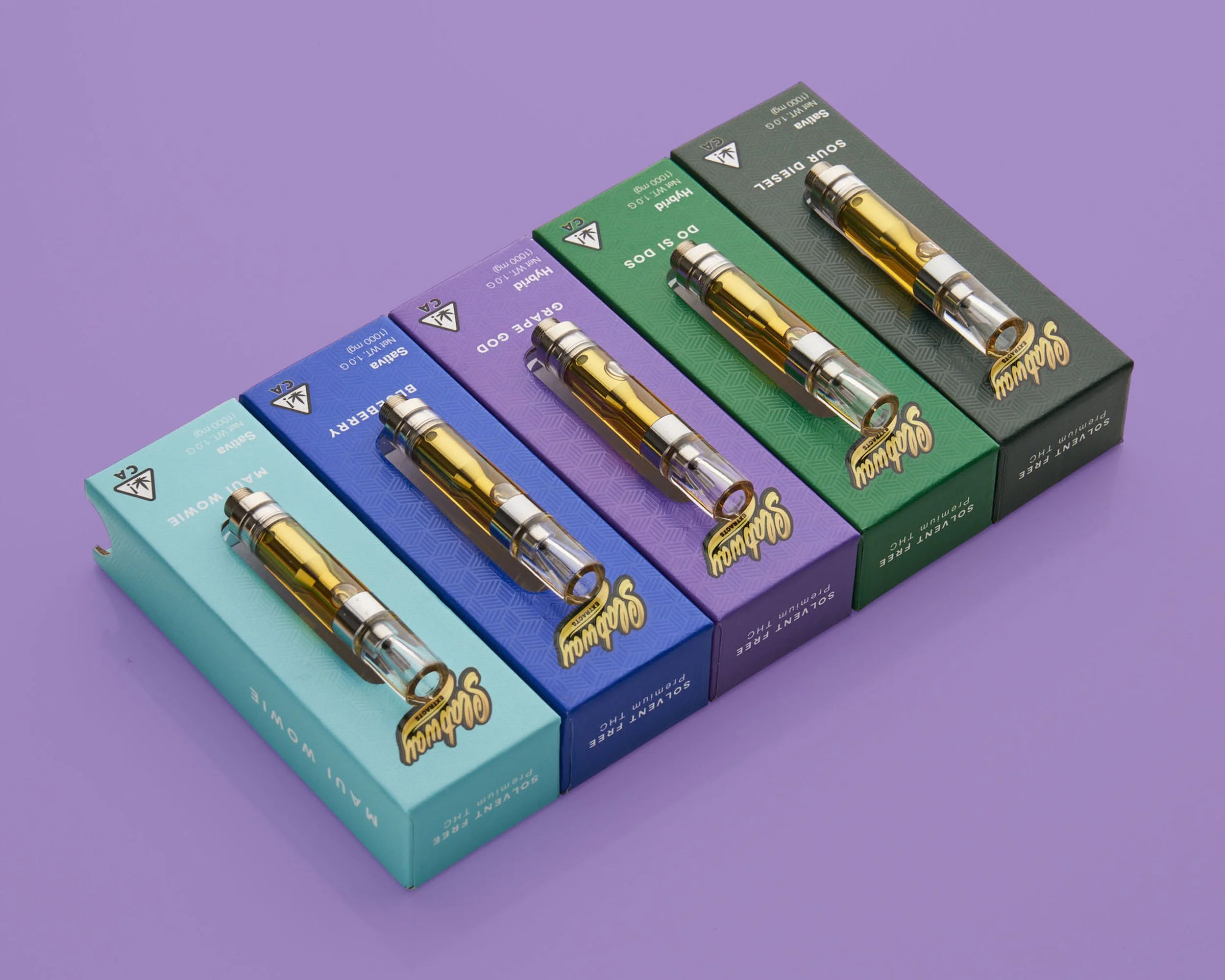
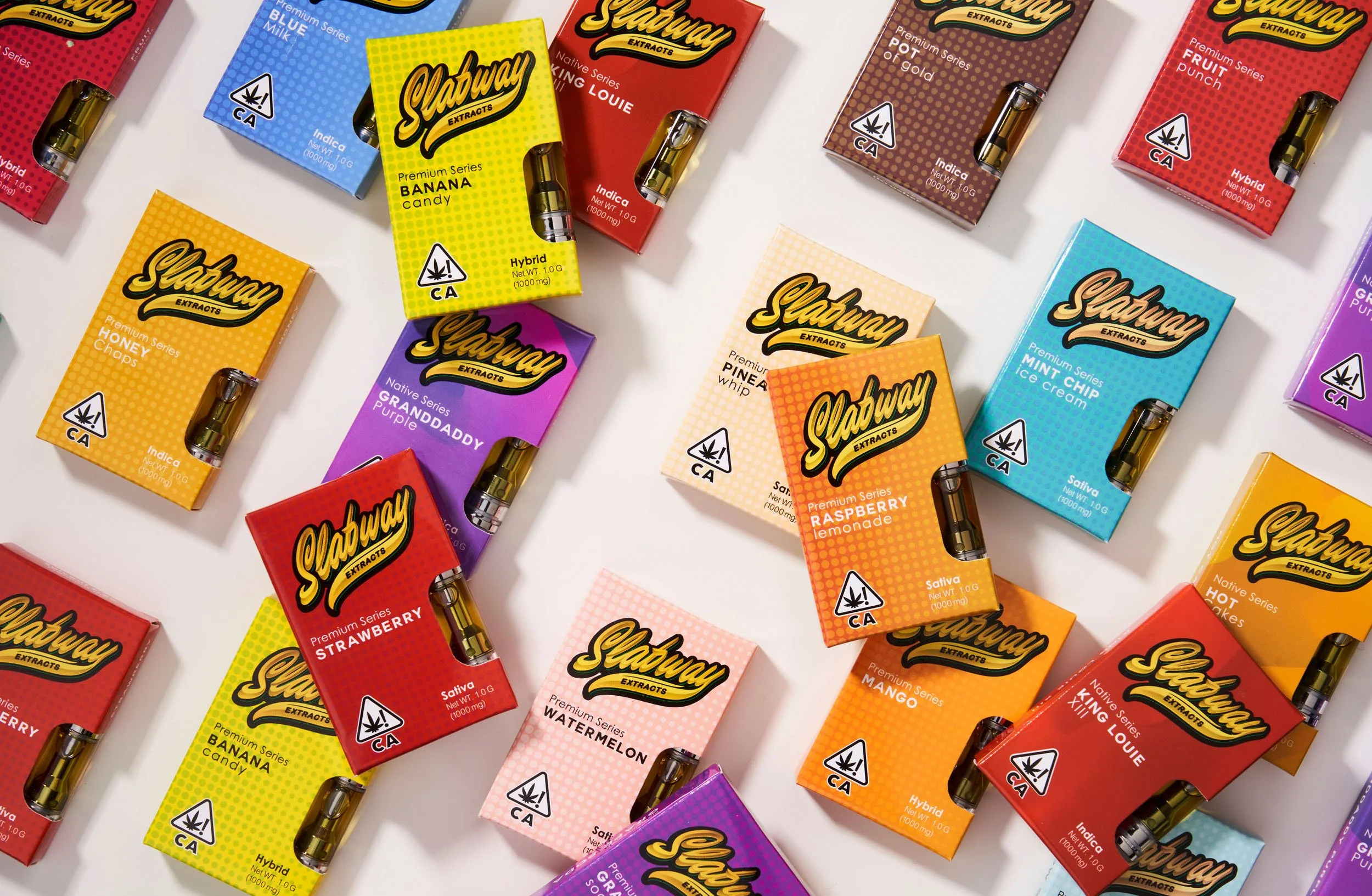
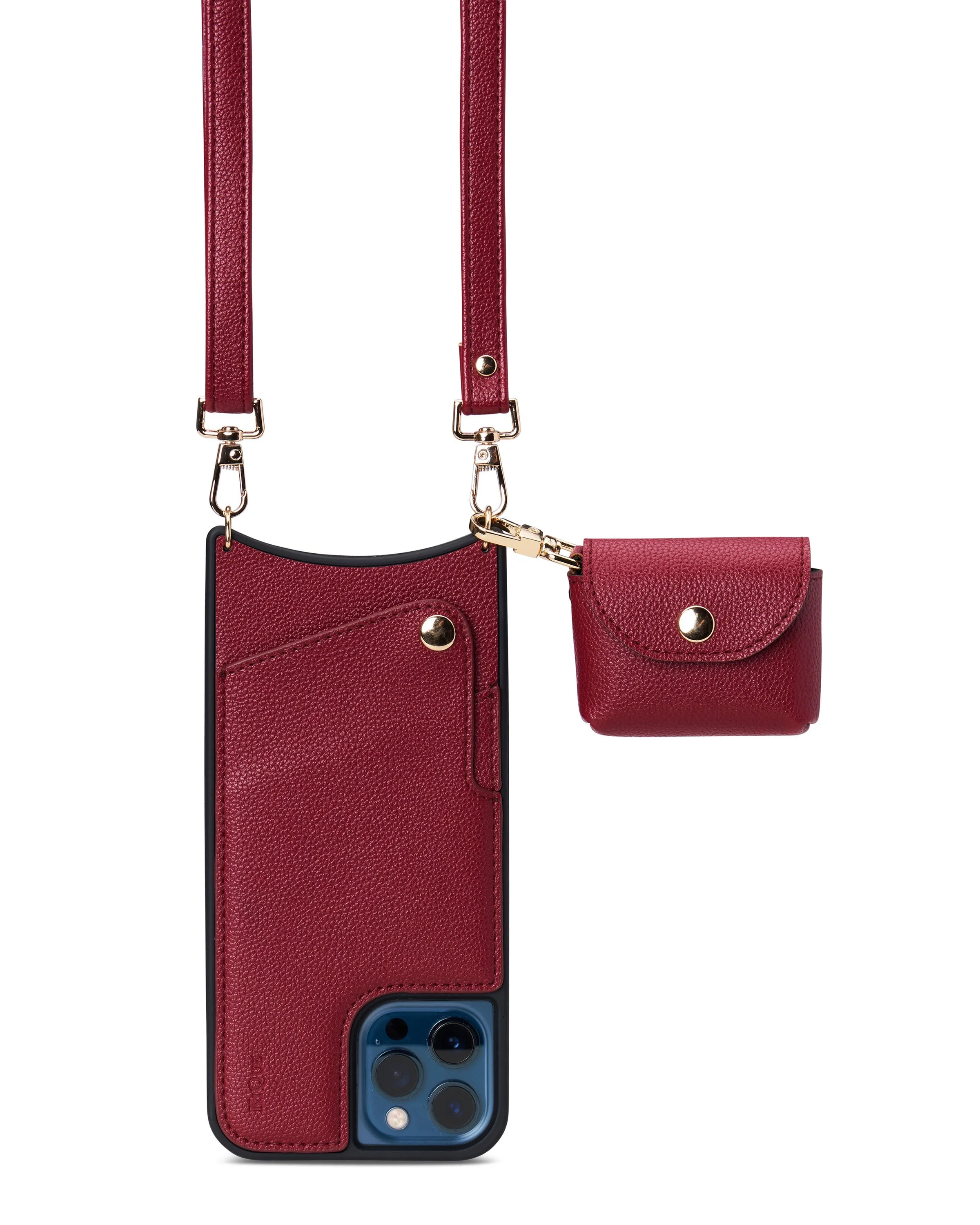
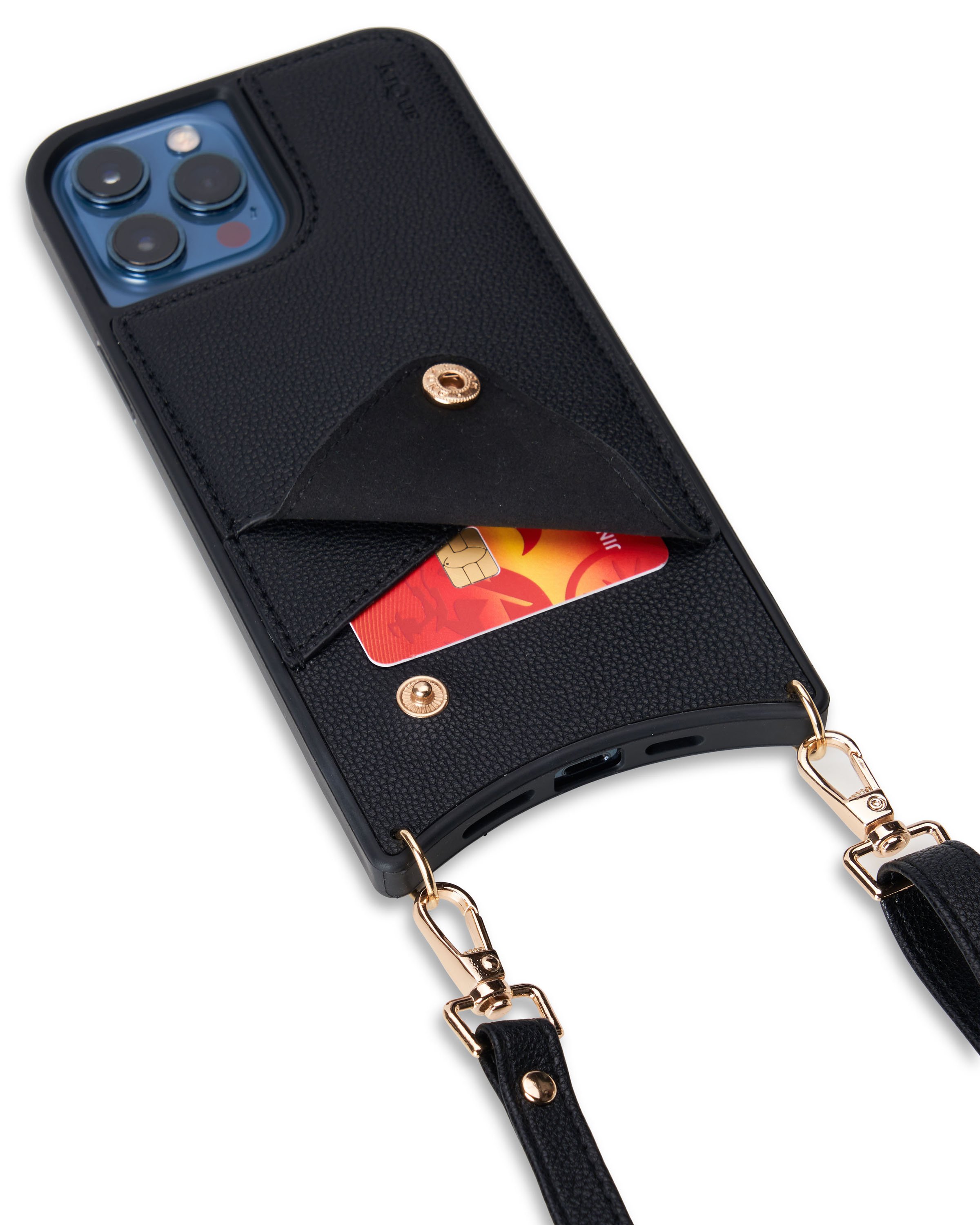
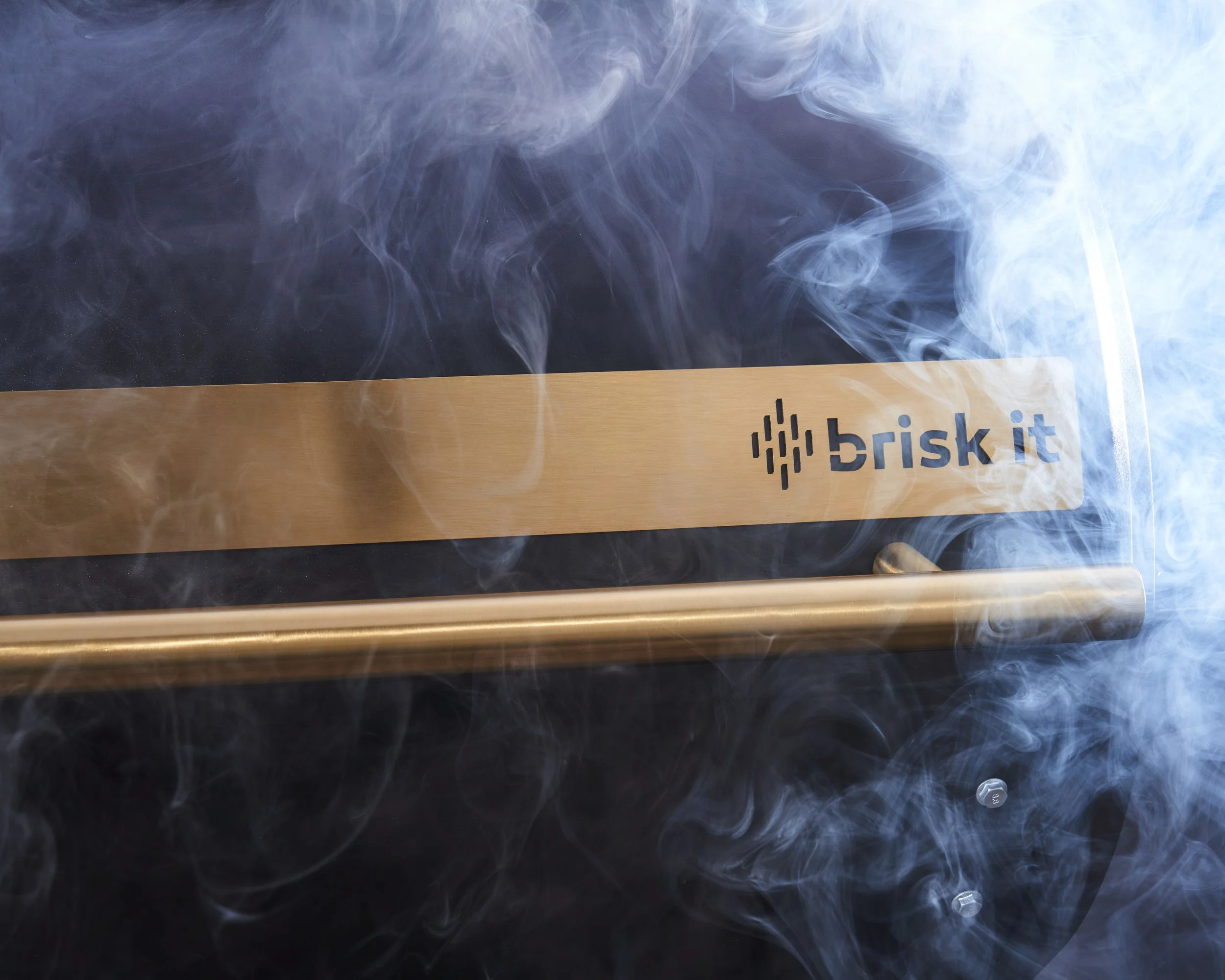
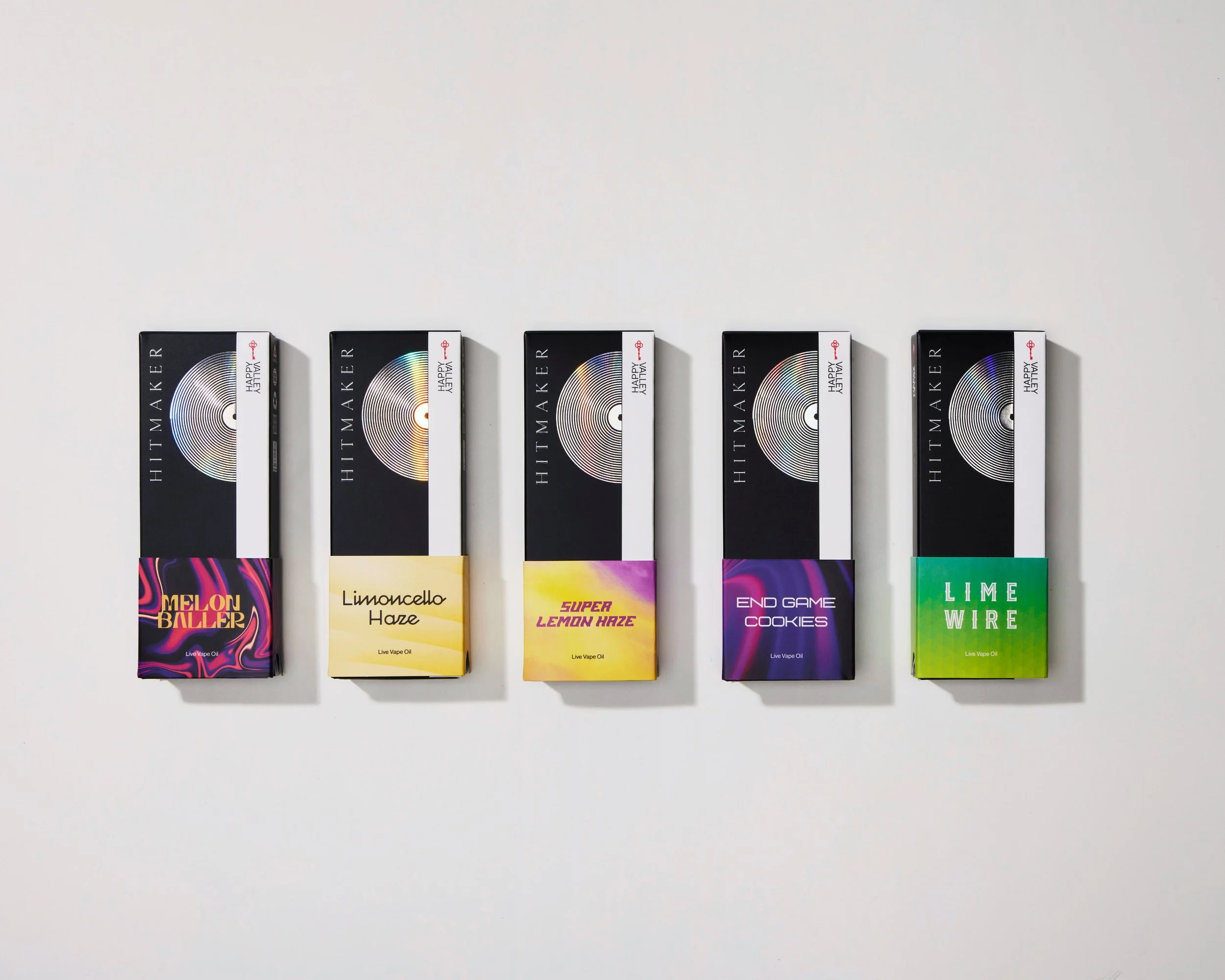
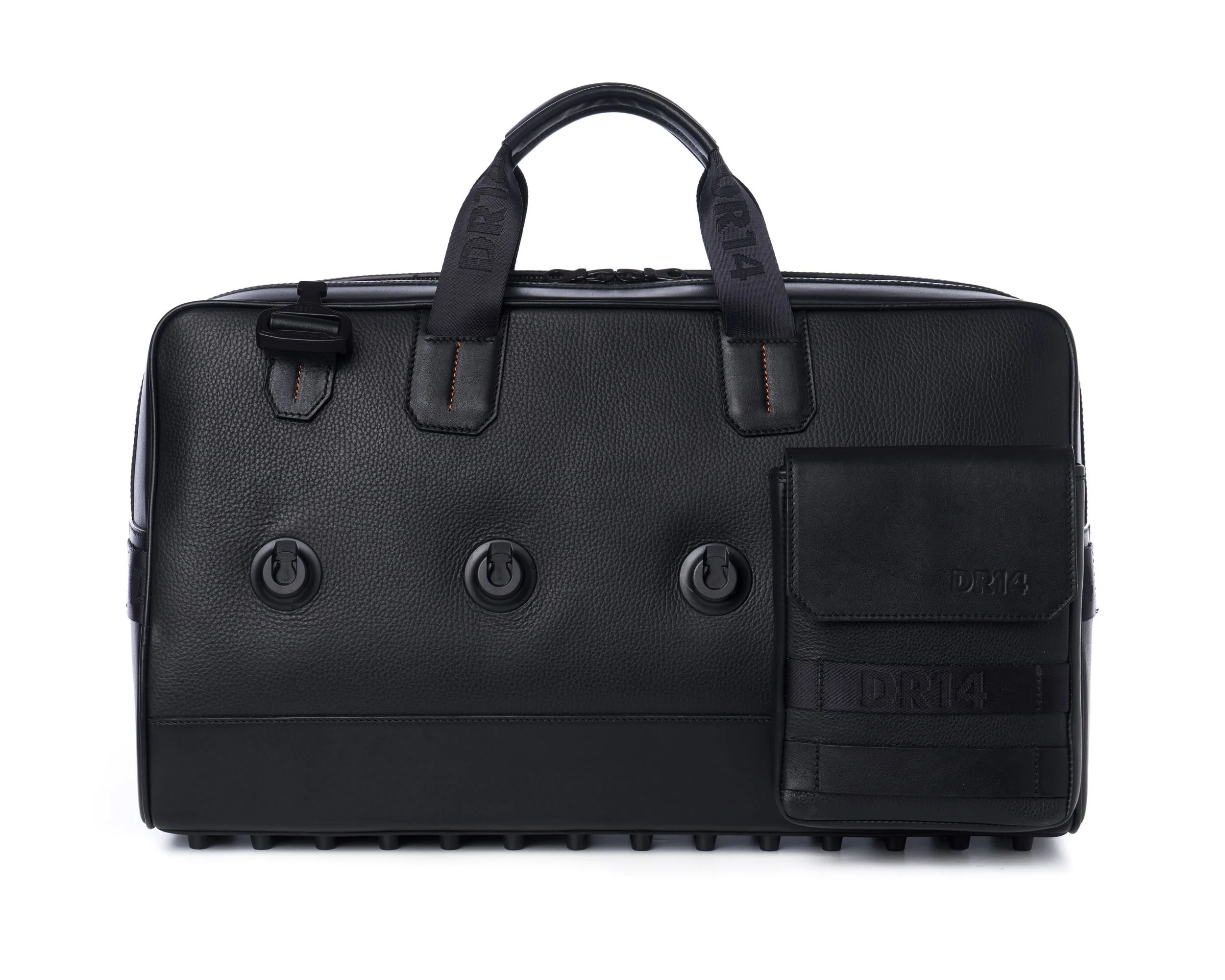
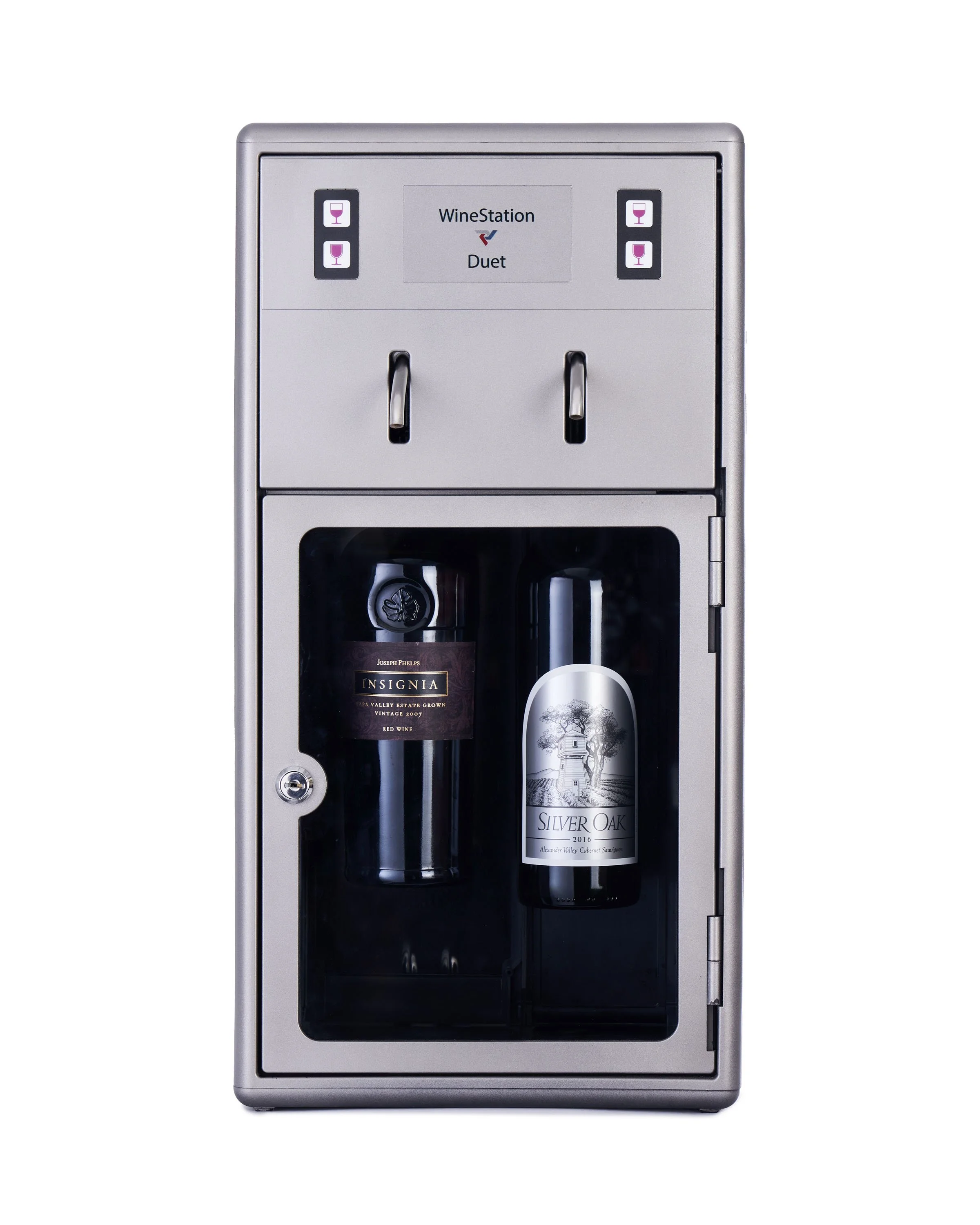
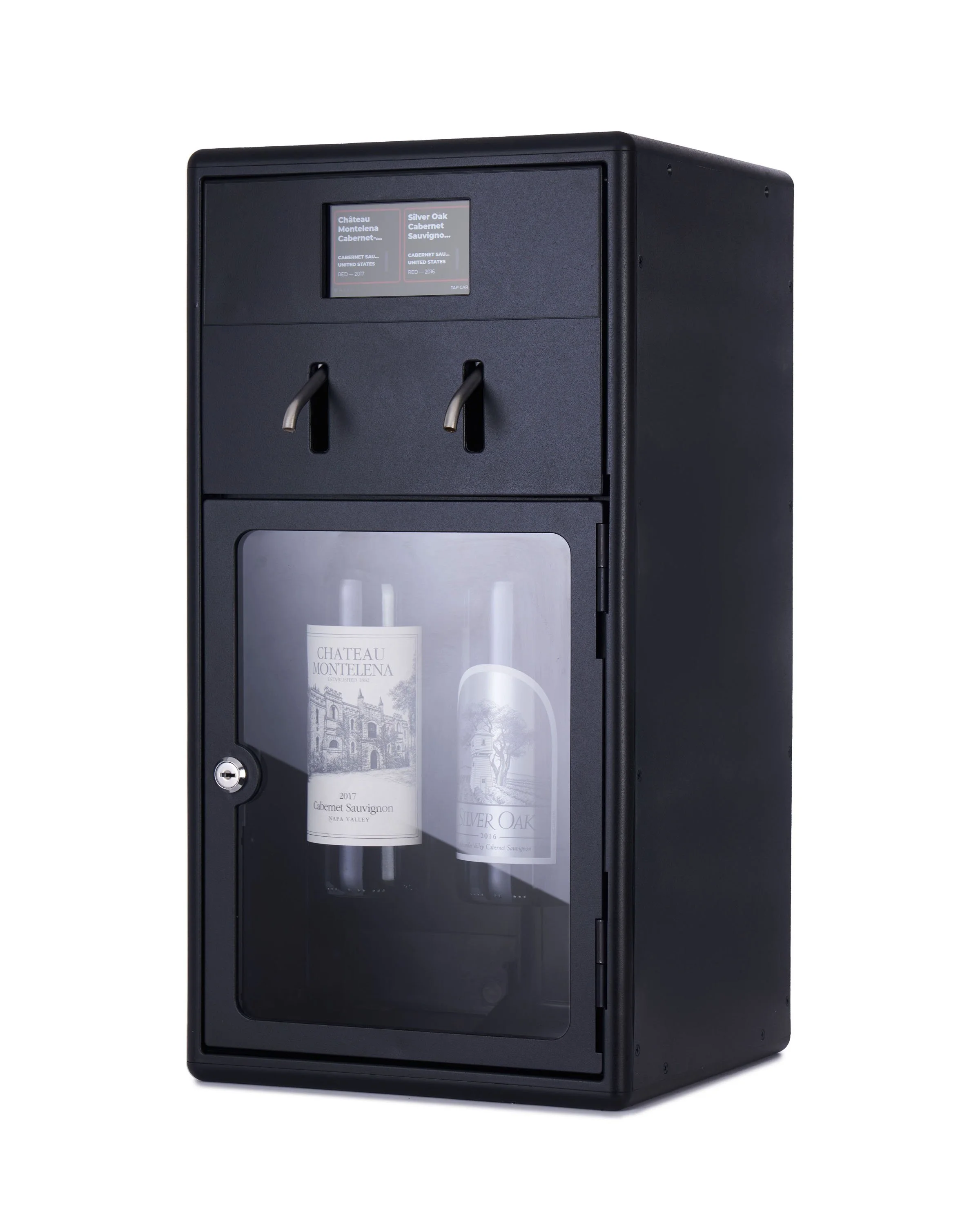
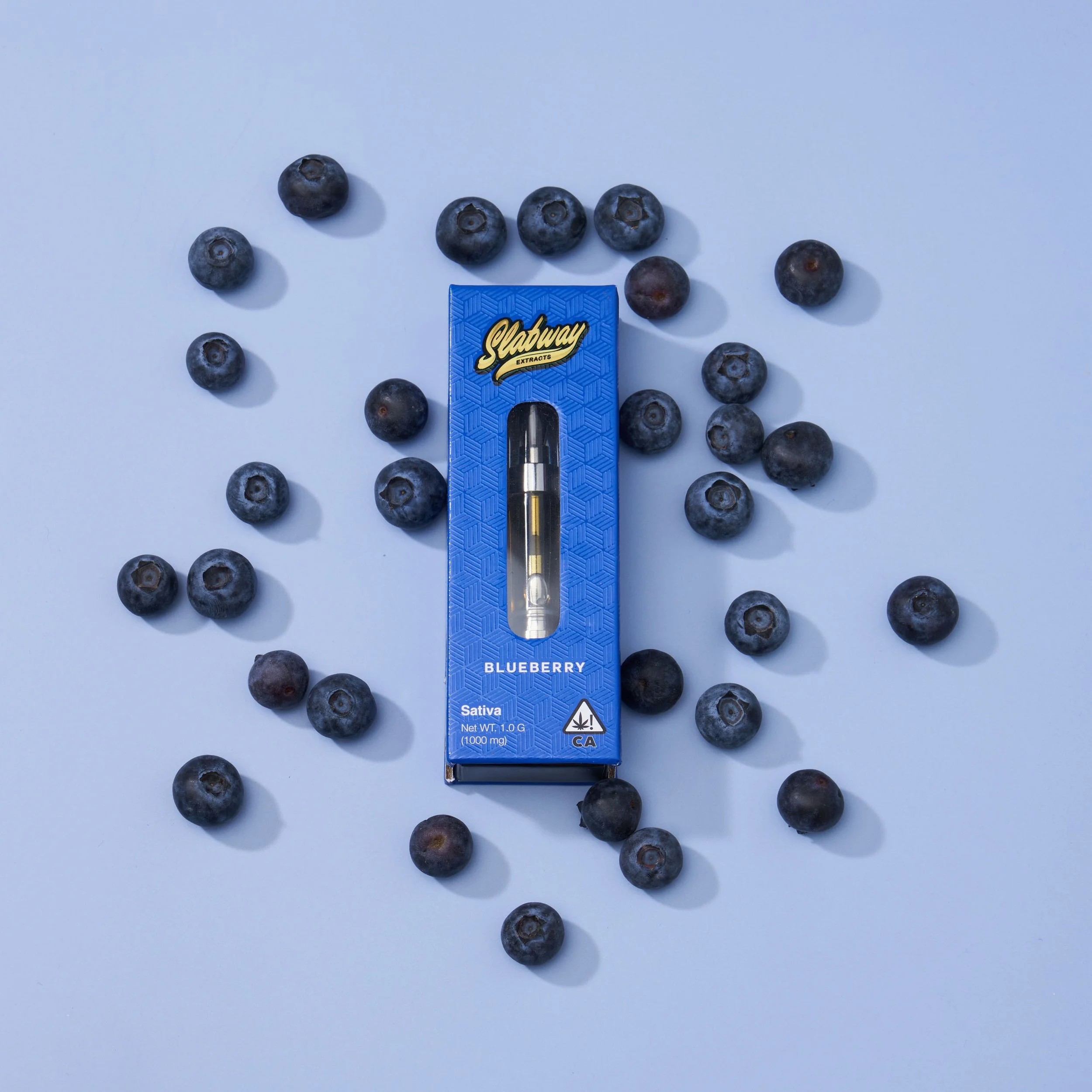
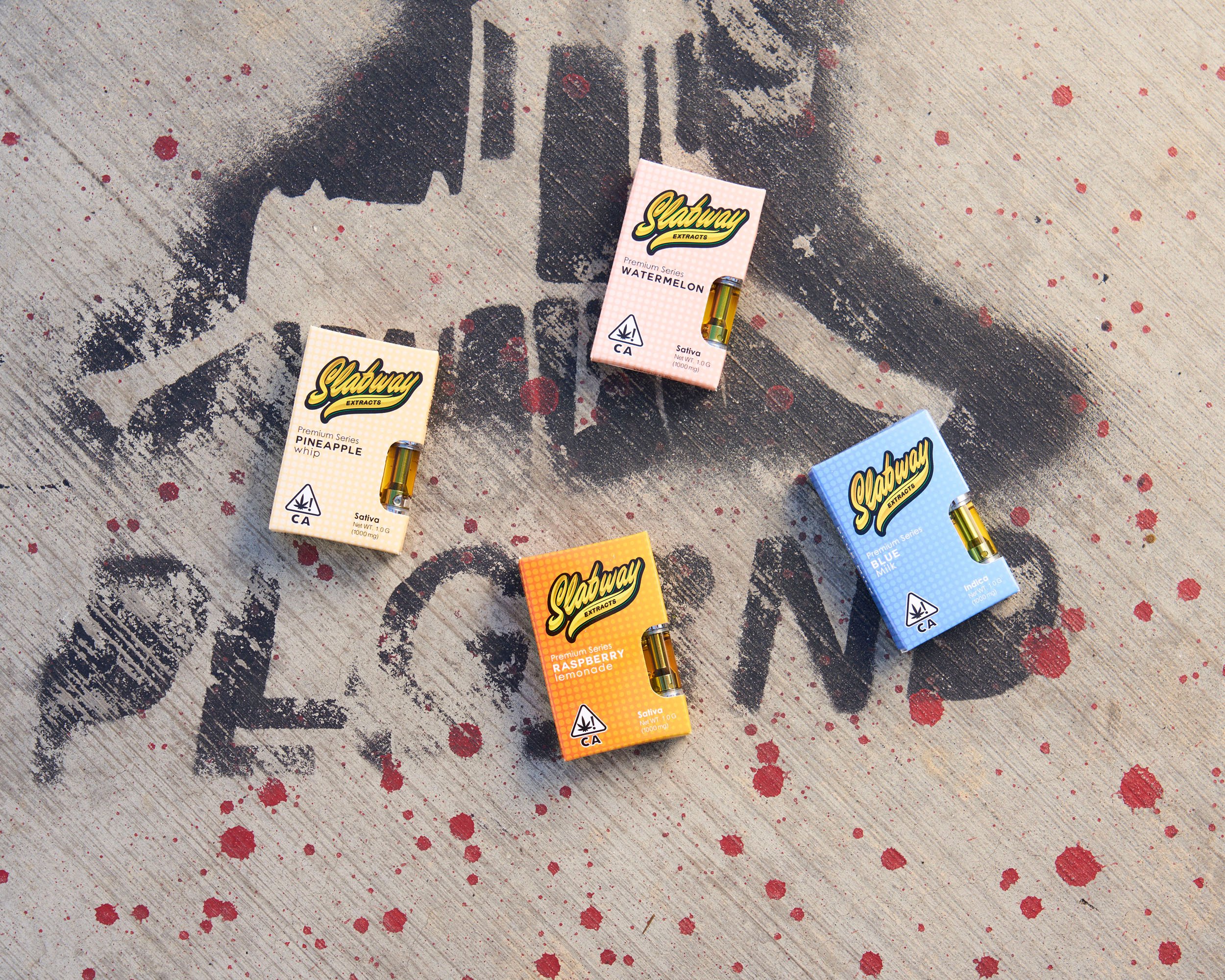
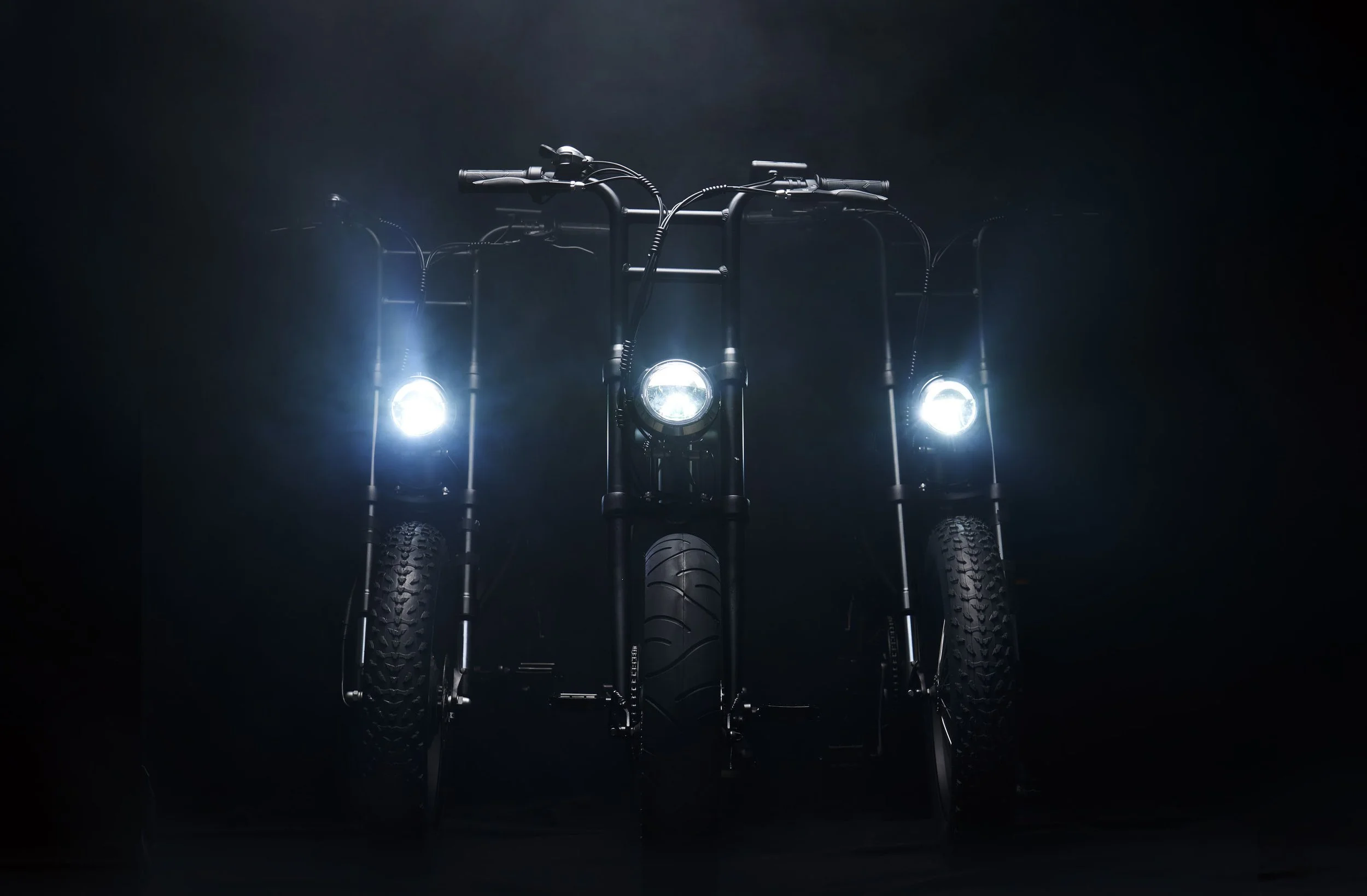
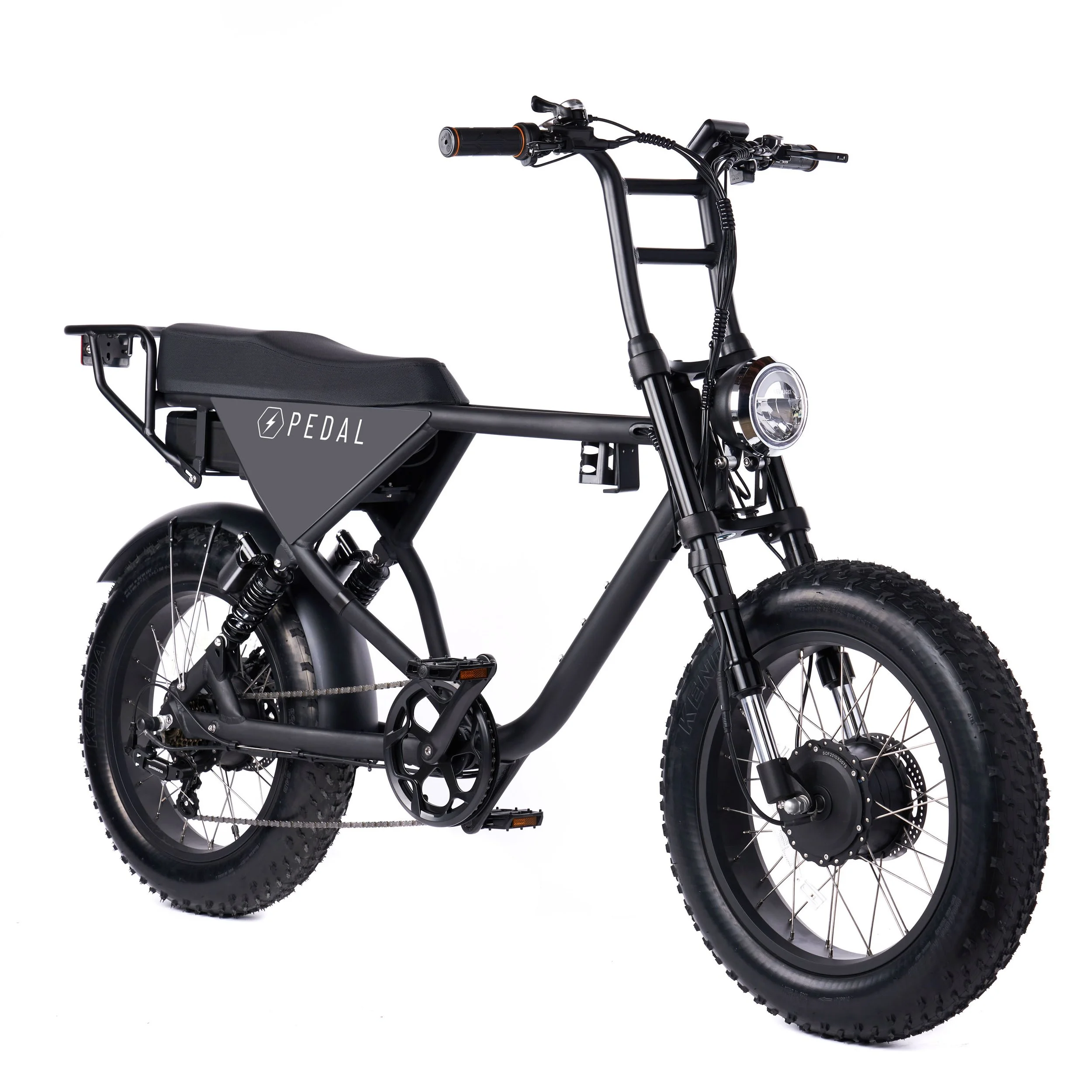
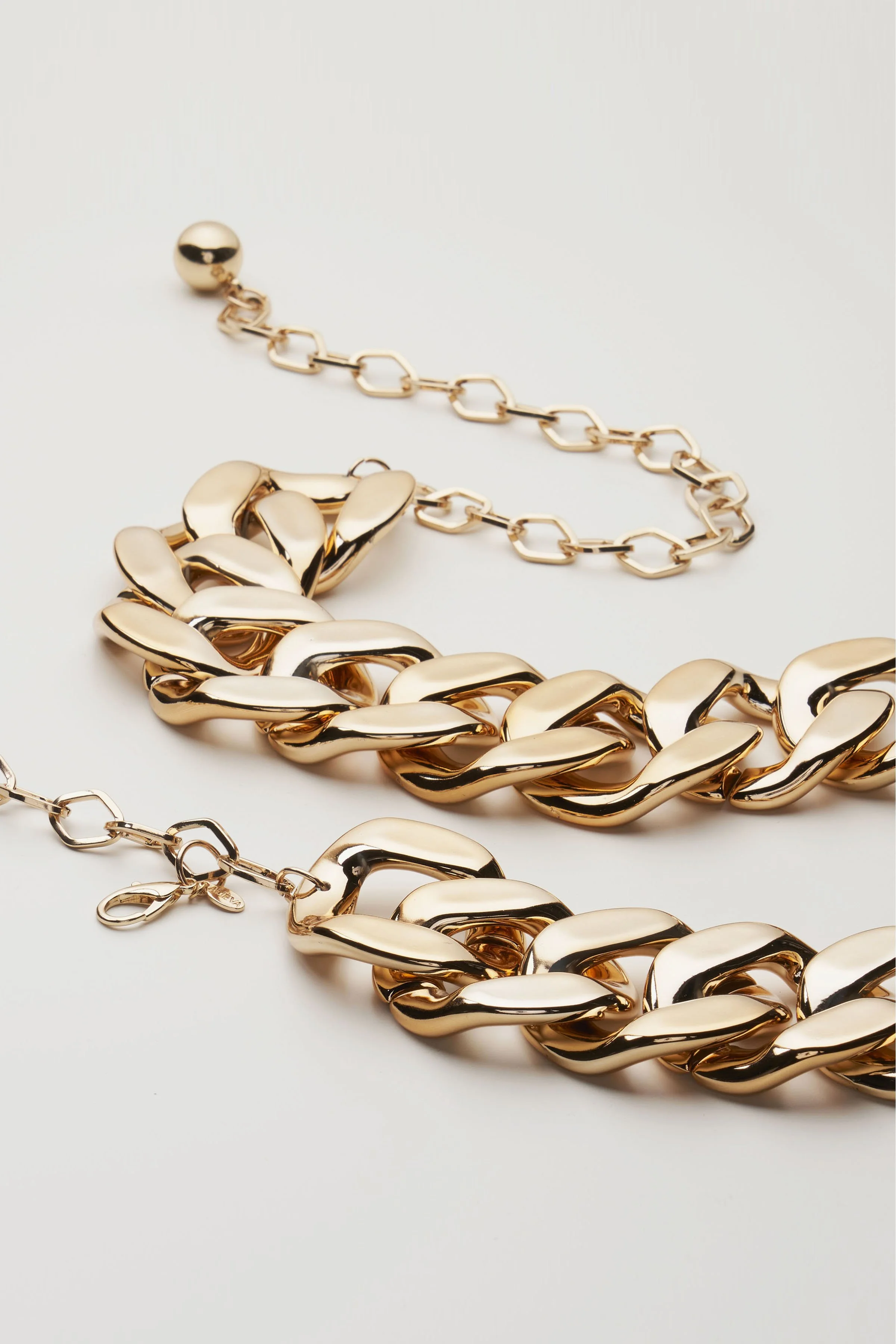
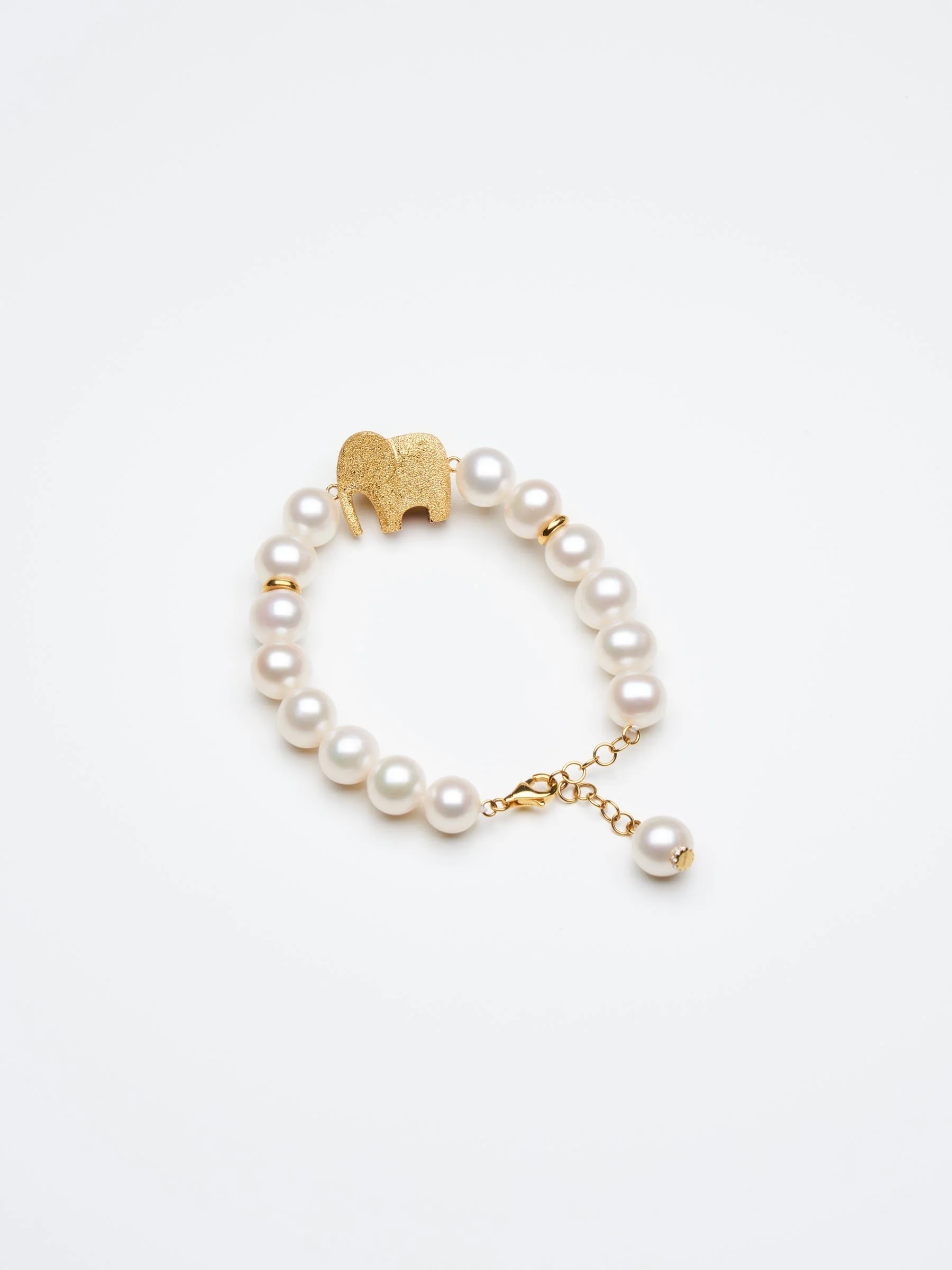
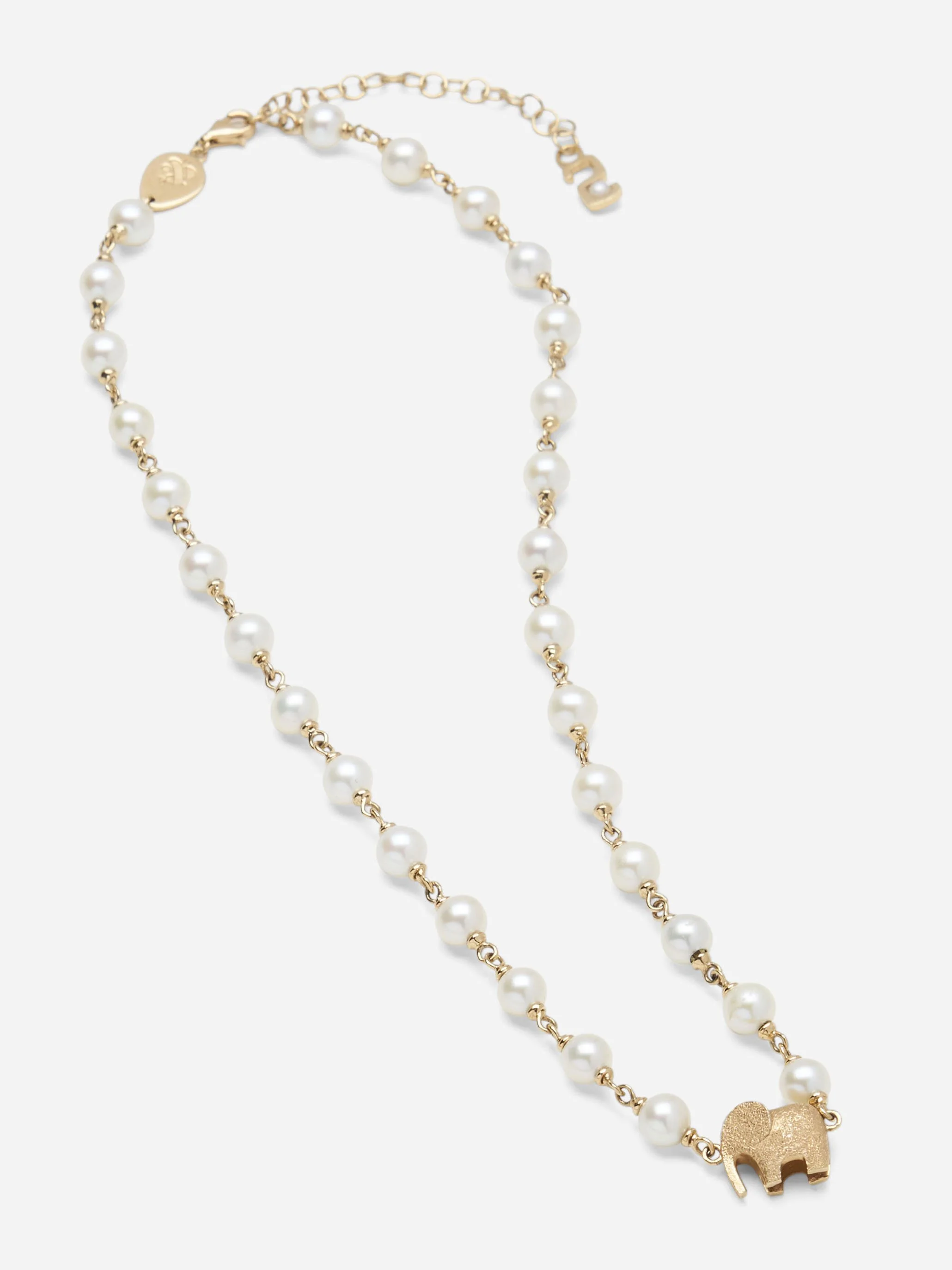
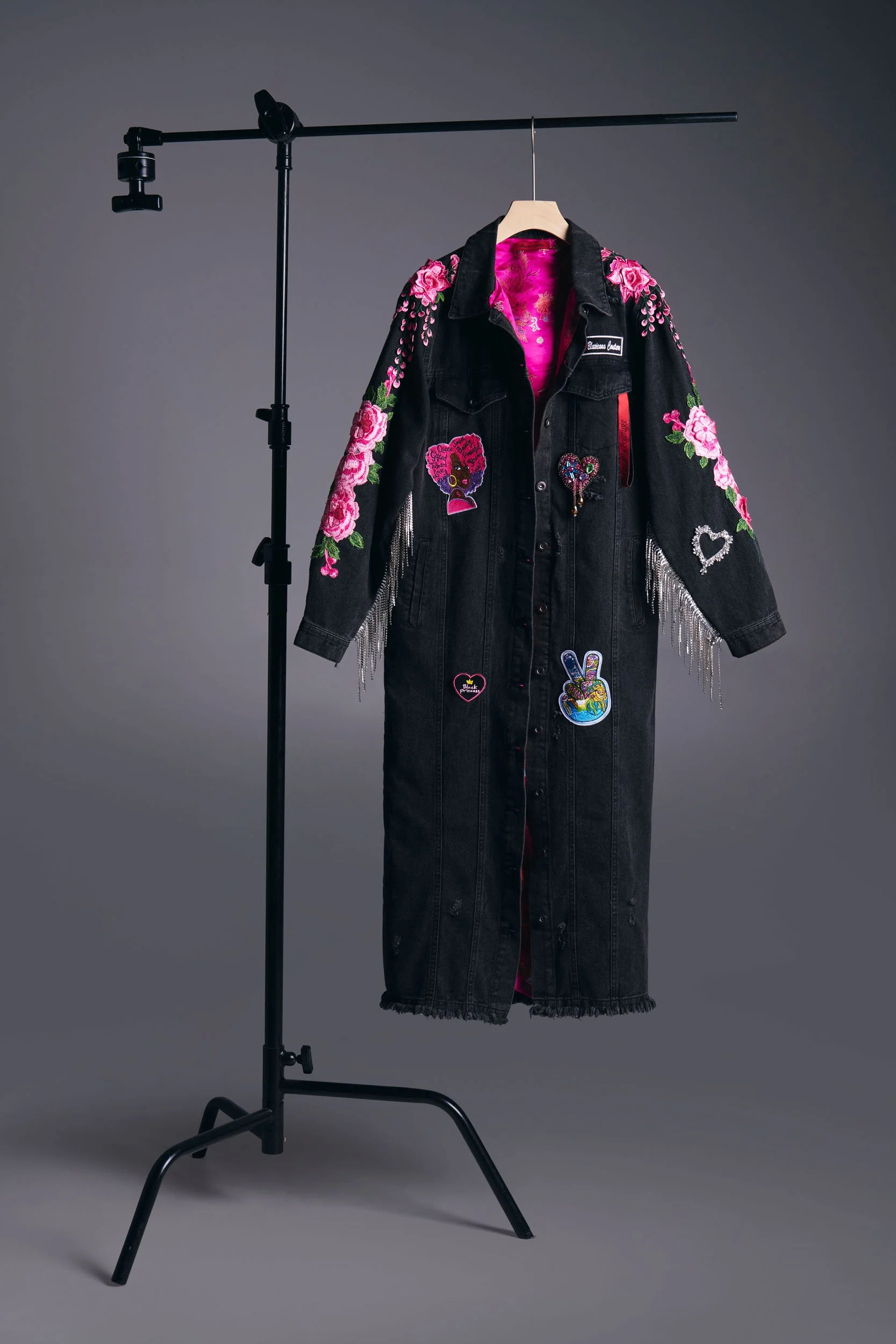
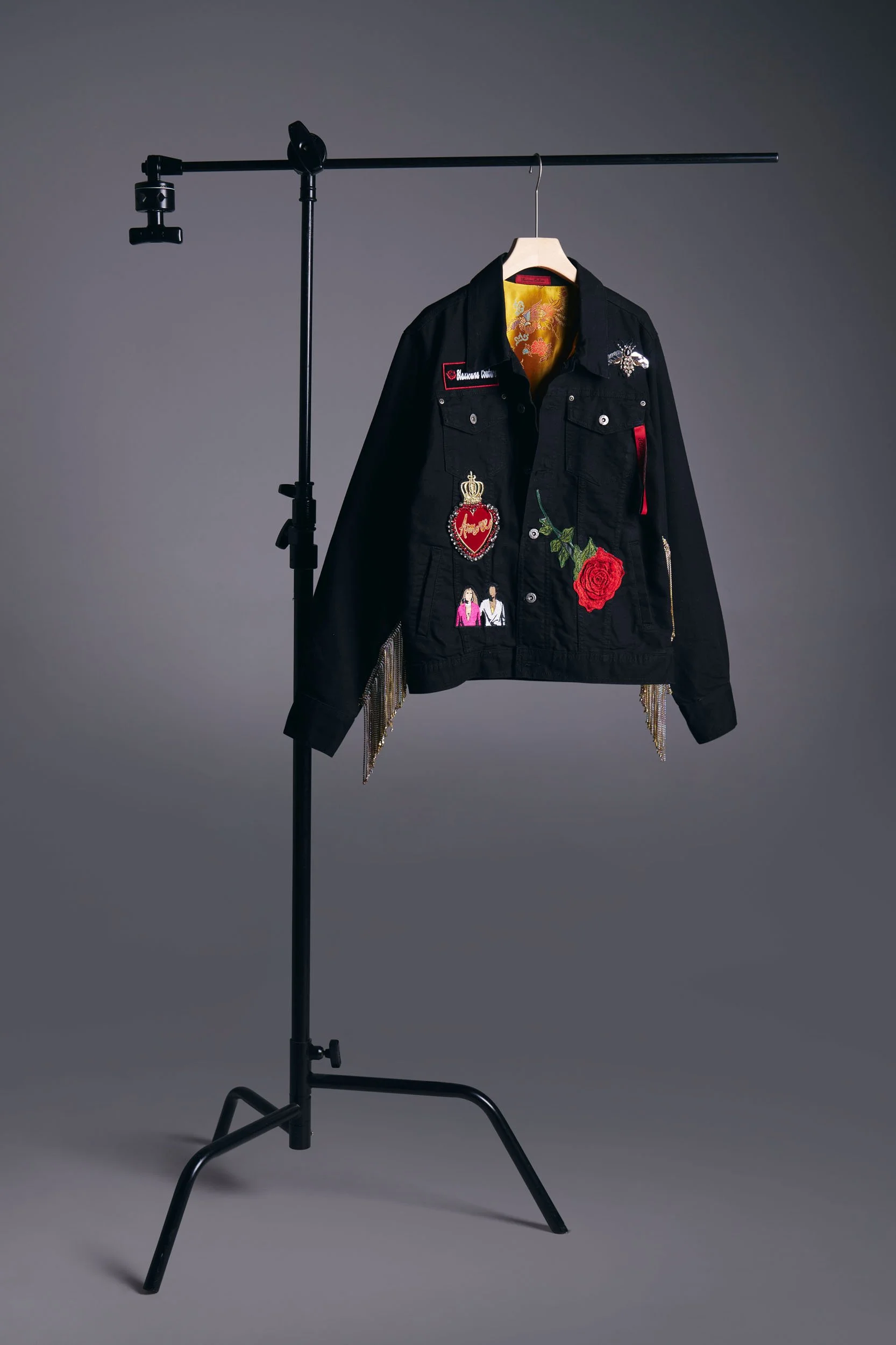
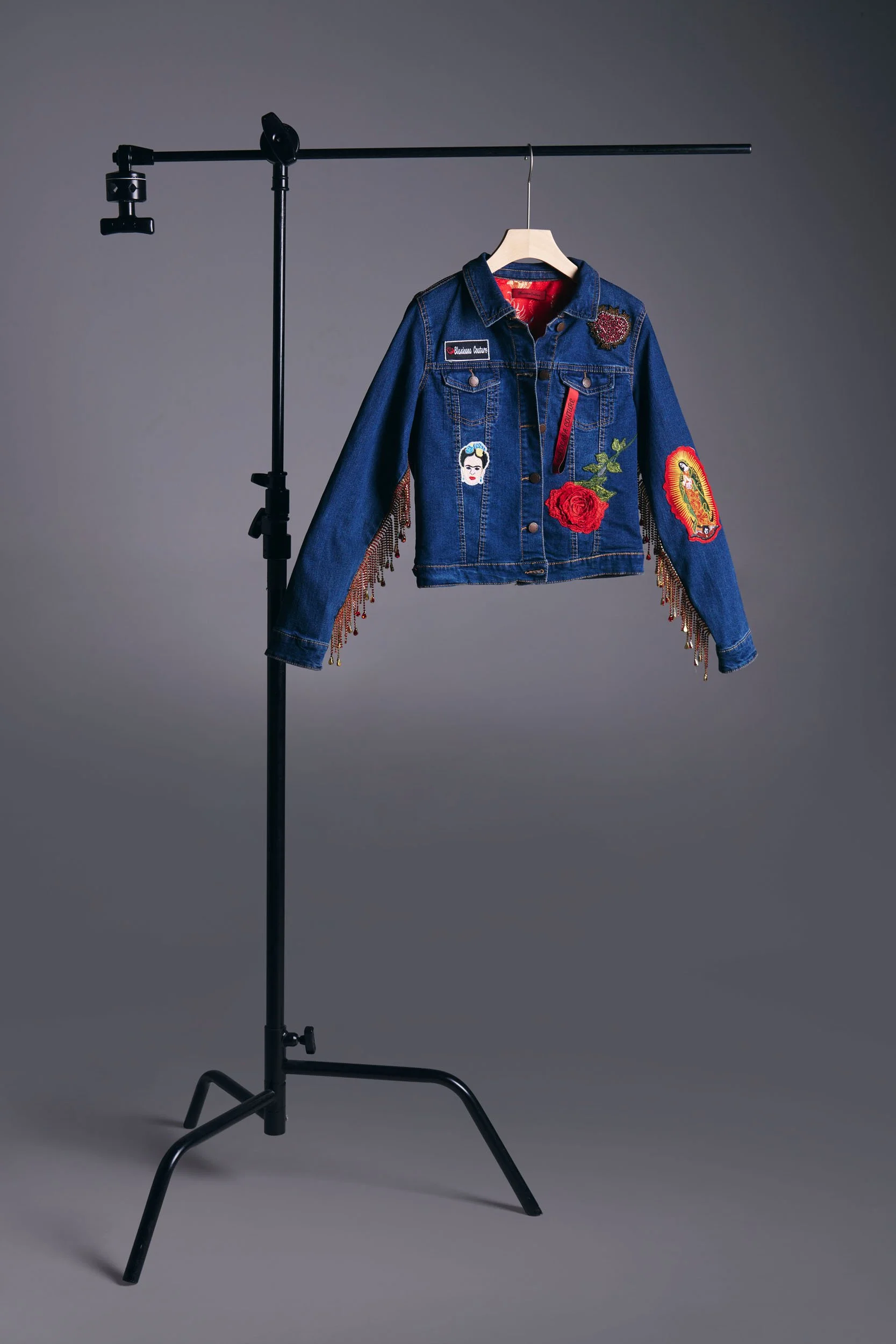
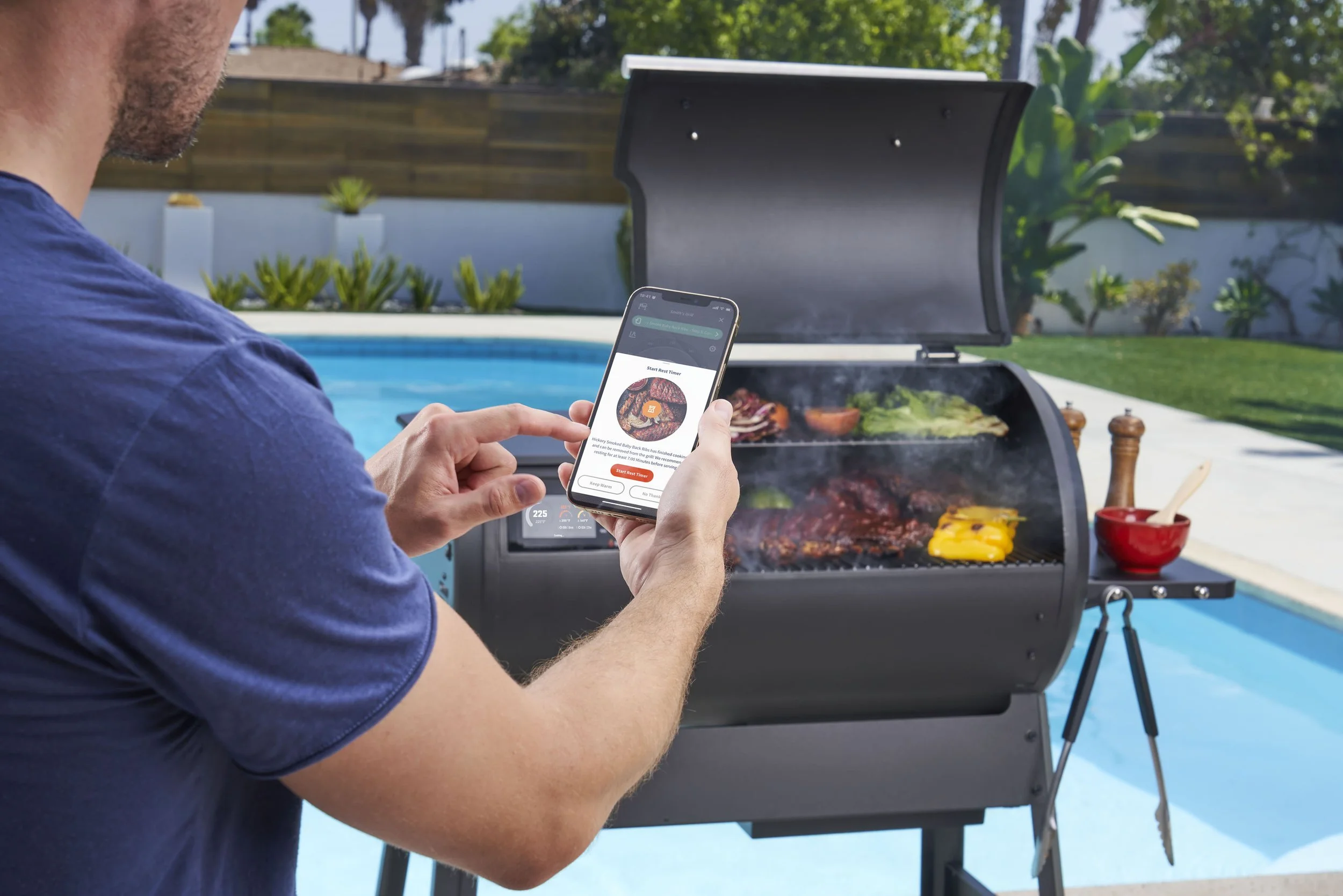
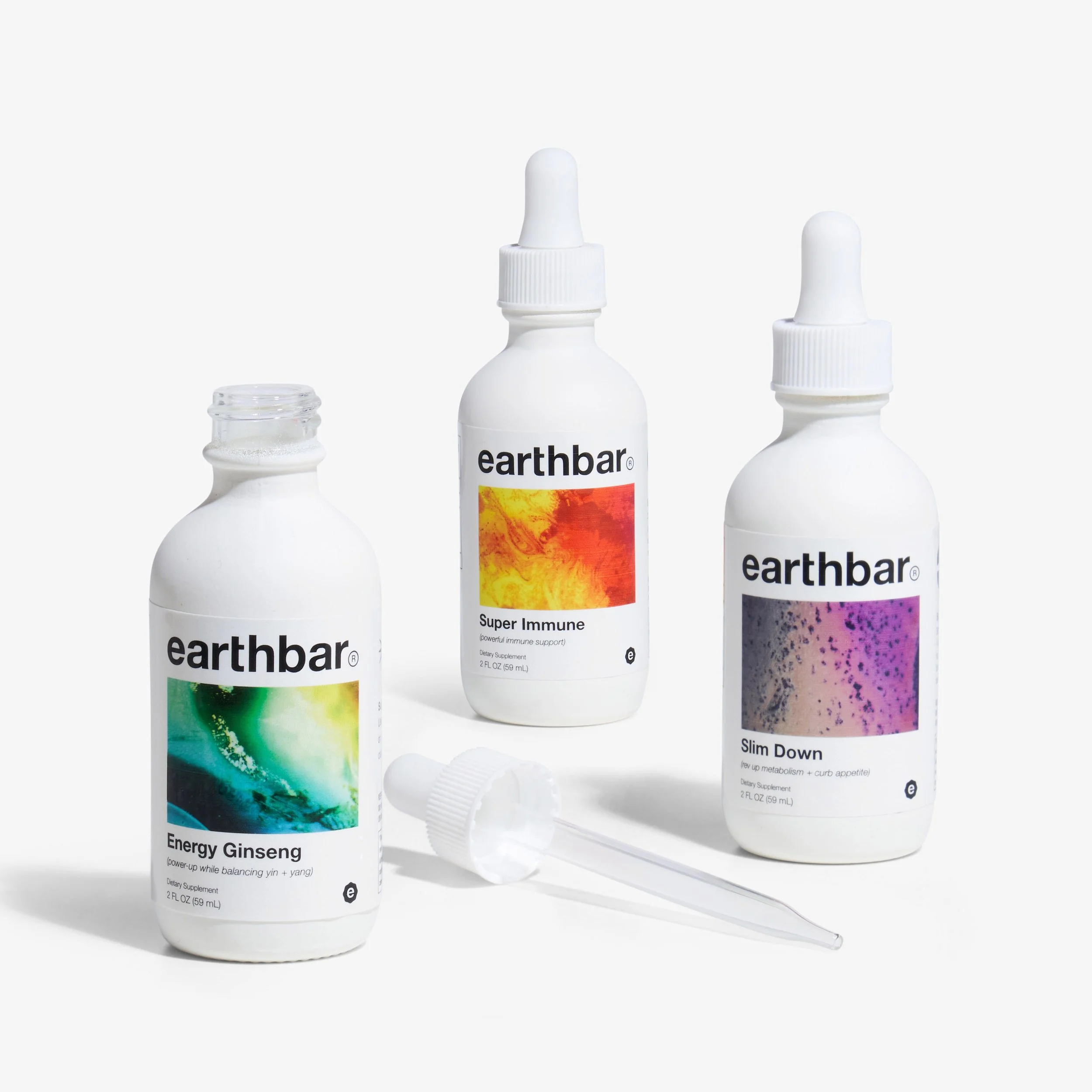
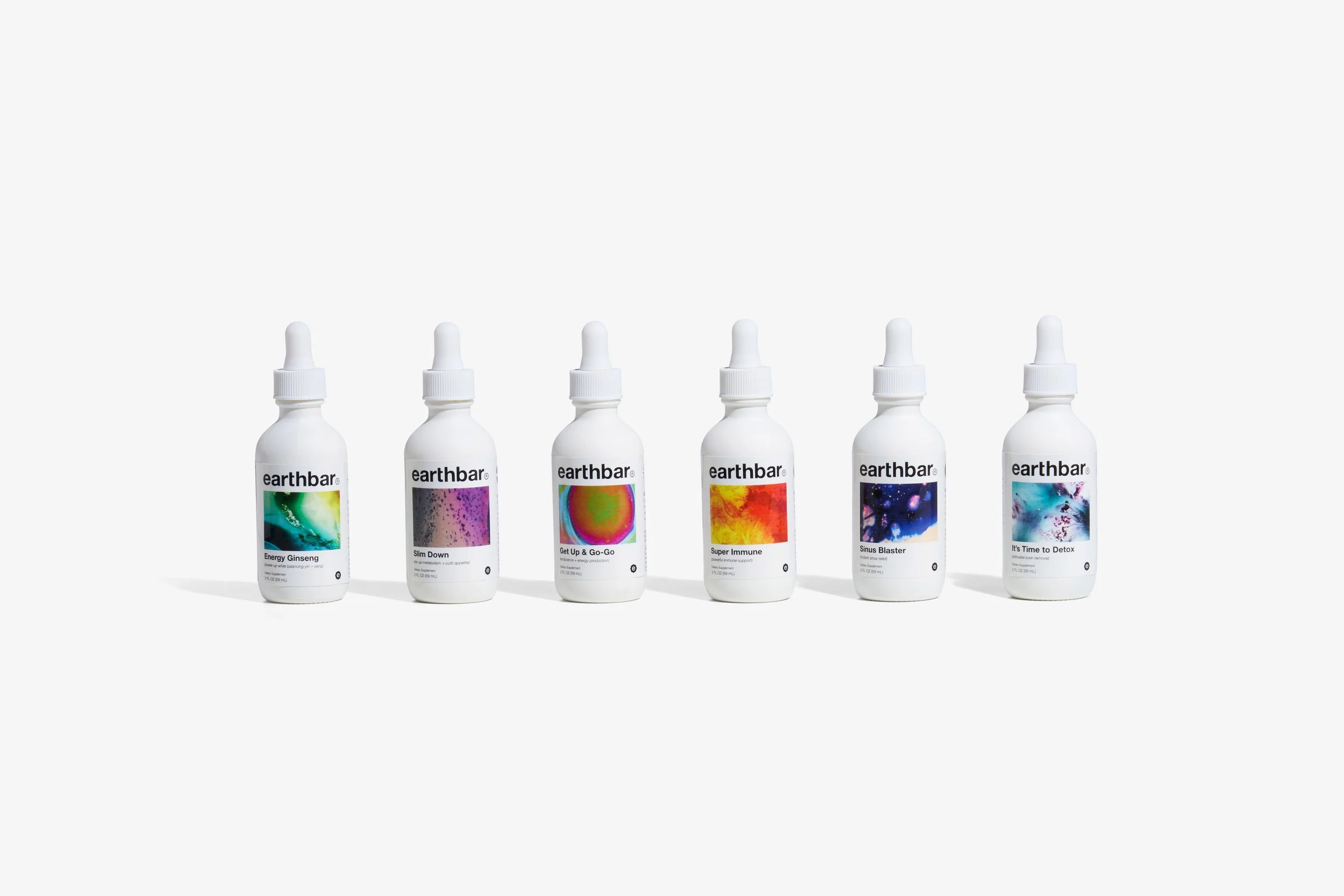
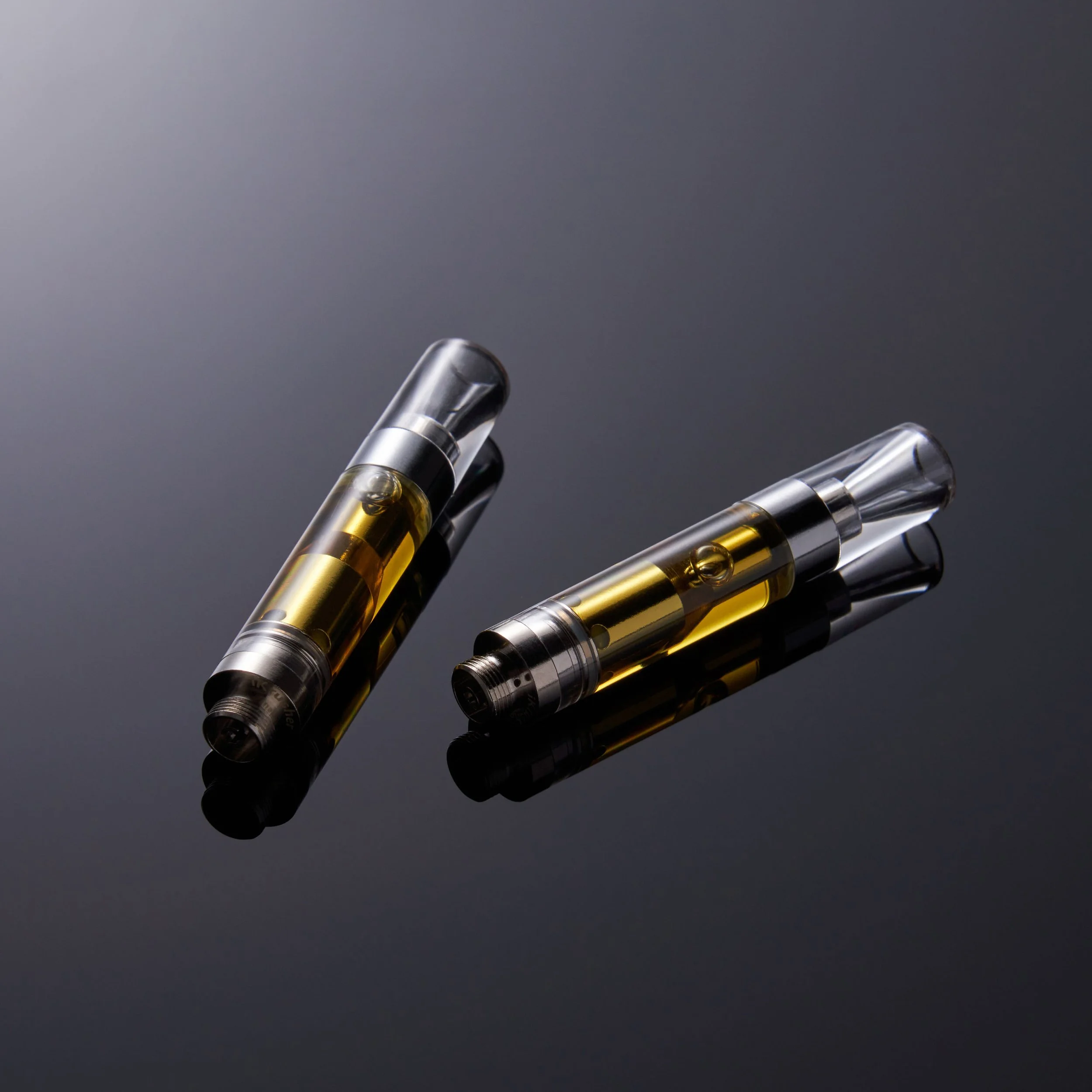
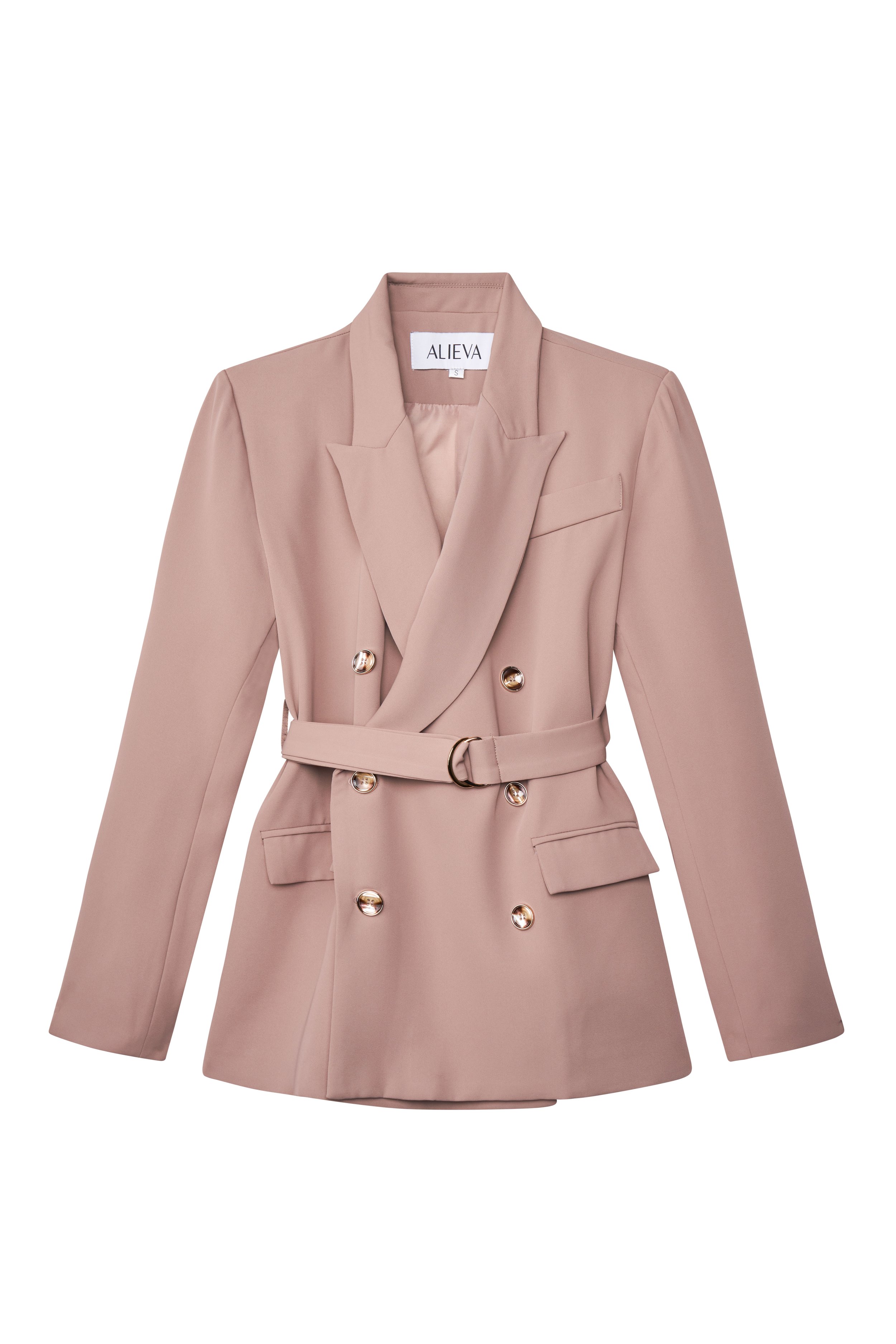
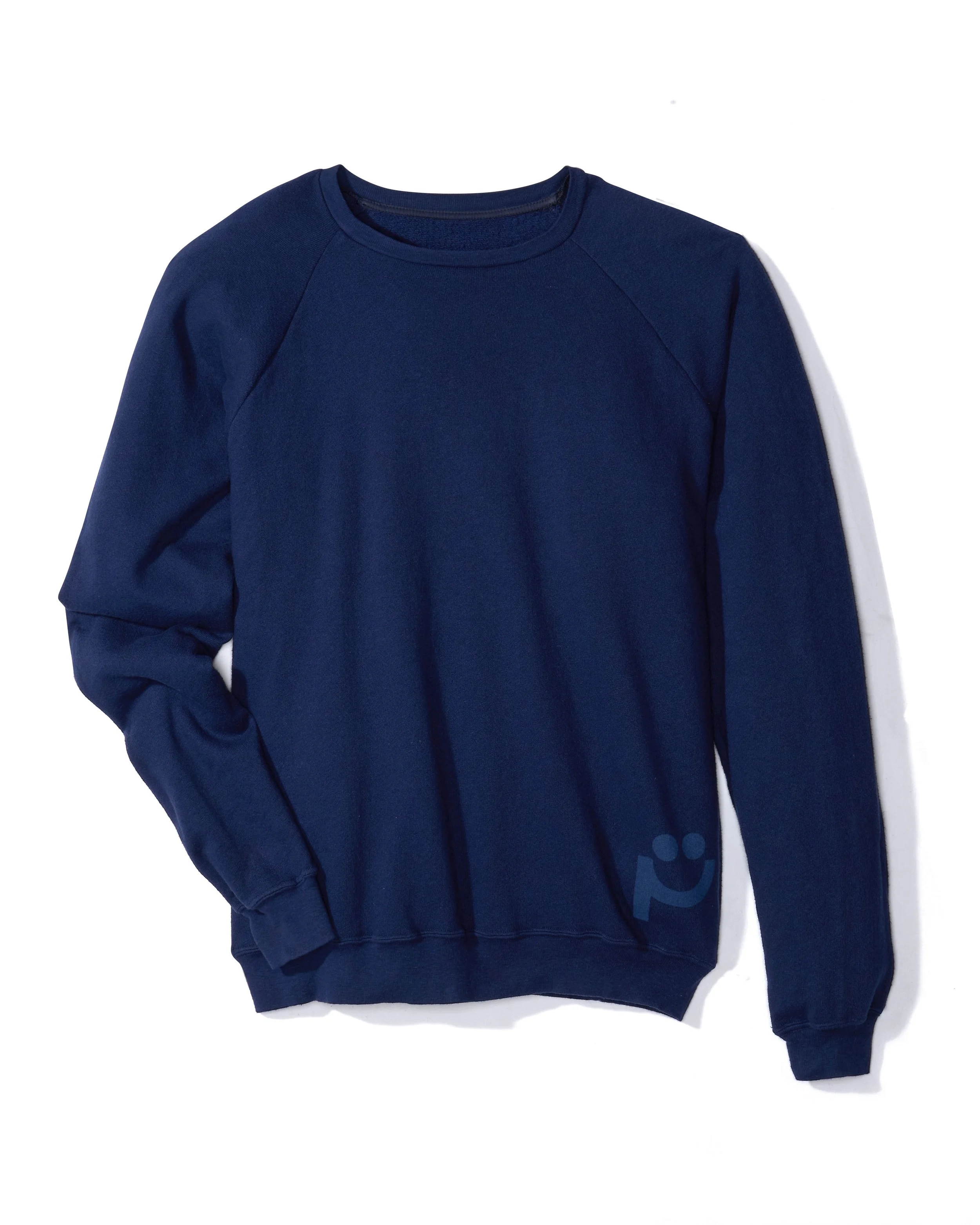
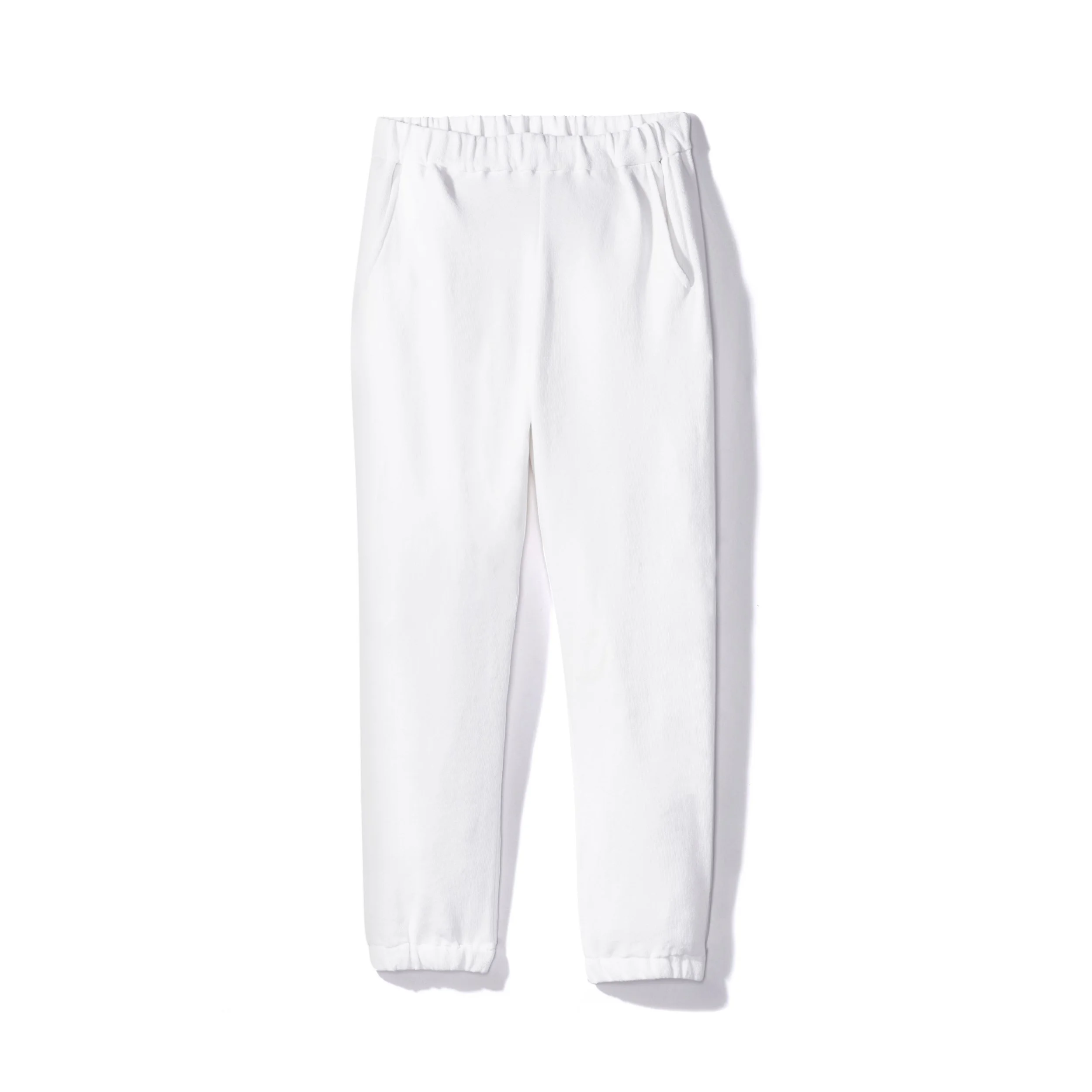
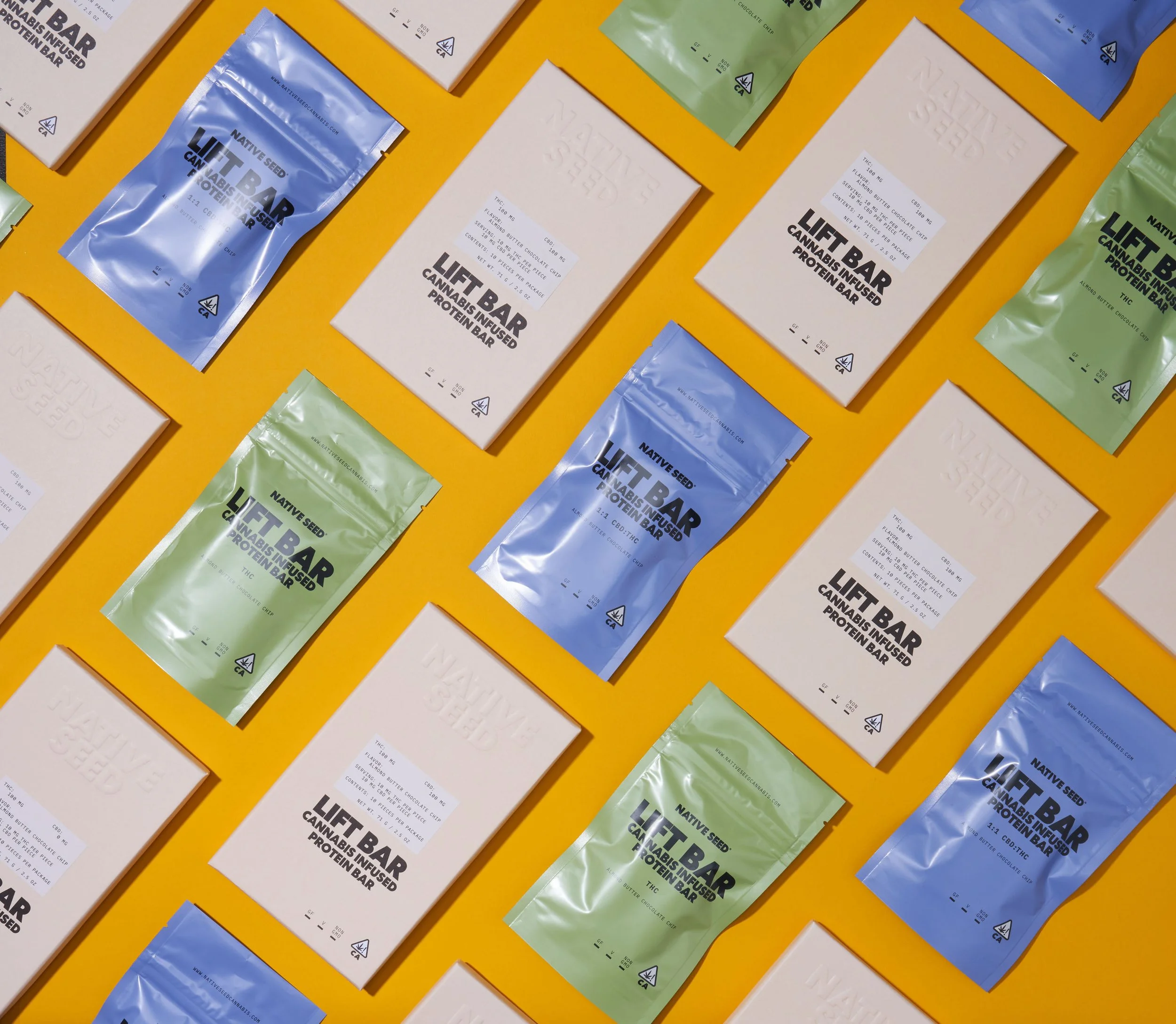
A professional setup creates repeatable, uniform images—something that’s hard to achieve in-house. © Rare Studio LA

1. The Case for Shooting In-House

Advantages

  • Greater control and flexibility

    Your team can shoot on your own schedule and quickly update images as products or packaging change.

  • Fast for iterative brands

    For companies launching frequent SKUs or doing rapid A/B testing, internal production can keep pace with product cycles.

  • Lower barrier to entry

    A basic lighting setup and starter camera can get you up and running immediately.

Drawbacks

  • Significant learning curve

    Achieving consistent color, clean reflections, balanced shadows, and professional-level retouching is harder than it looks. Most teams underestimate the technical skill required.

  • Inconsistency over time

    Small variations in lighting, angles, or white balance can lead to mismatched product pages and weaken your brand identity.

  • Hidden labor cost

    When employees spend hours shooting and editing, that time comes directly out of their core responsibilities. The opportunity cost becomes substantial.

  • Ongoing investment

    As quality expectations increase, internal setups often expand—with additional lights, modifiers, stands, surfaces, and software—creating continual incremental costs.

2. The Case for Hiring a Professional Photographer

Advantages

  • Consistent, brand-aligned results

    Professionals control lighting, color, composition, and post-production with repeatable precision, ensuring your entire catalog feels unified.

  • Efficient workflow

    A professional shoot day can deliver polished results faster than weeks of internal trial-and-error.

  • Stronger brand perception and conversion

    High-quality visuals build trust and increase engagement across Amazon, Shopify, paid ads, and social platforms.

  • Strategic partnership, not just execution

    A strong photographer provides creative direction, helps with shot lists, improves storytelling, and ensures visual consistency across all channels.

Drawbacks

  • Requires budget planning

    Professional shoots are a larger upfront cost, though often more efficient when considering long-term brand output.

  • Scheduling and coordination

    Campaign shoots, lifestyle scenes, or complex products (glass, reflective surfaces, textures) require planning.

  • Quality varies by photographer

    Choosing someone without the right experience can create more work—not less.

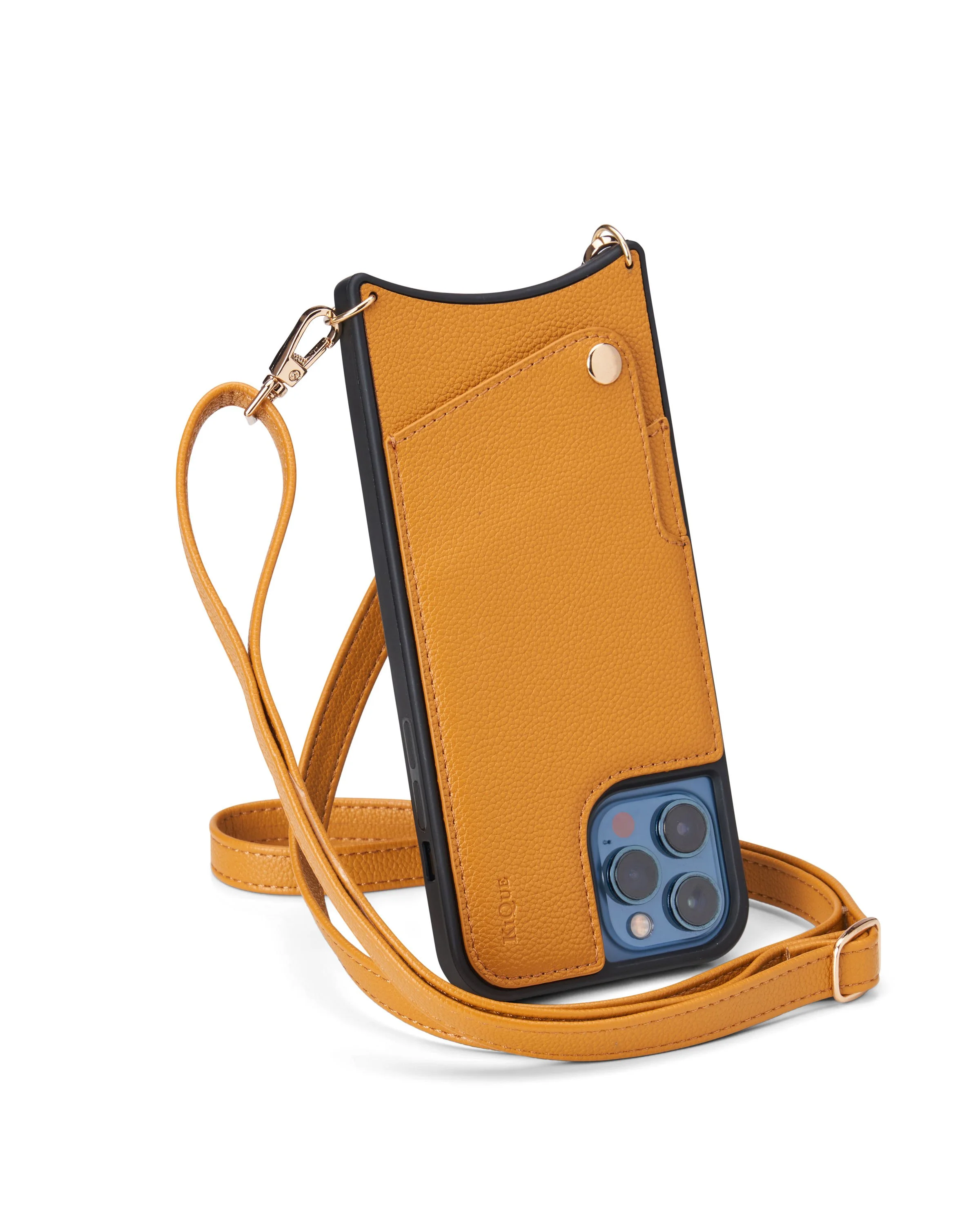
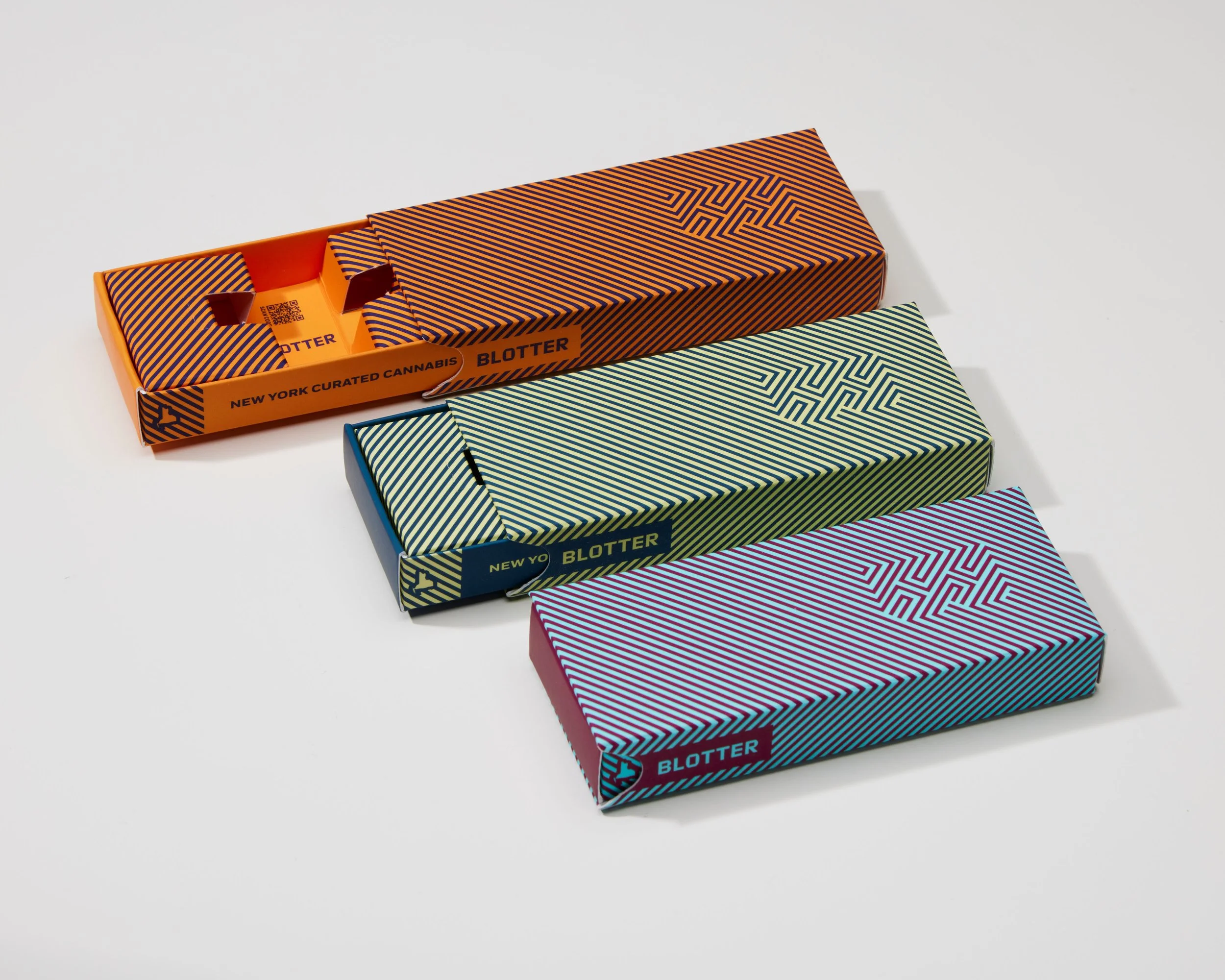
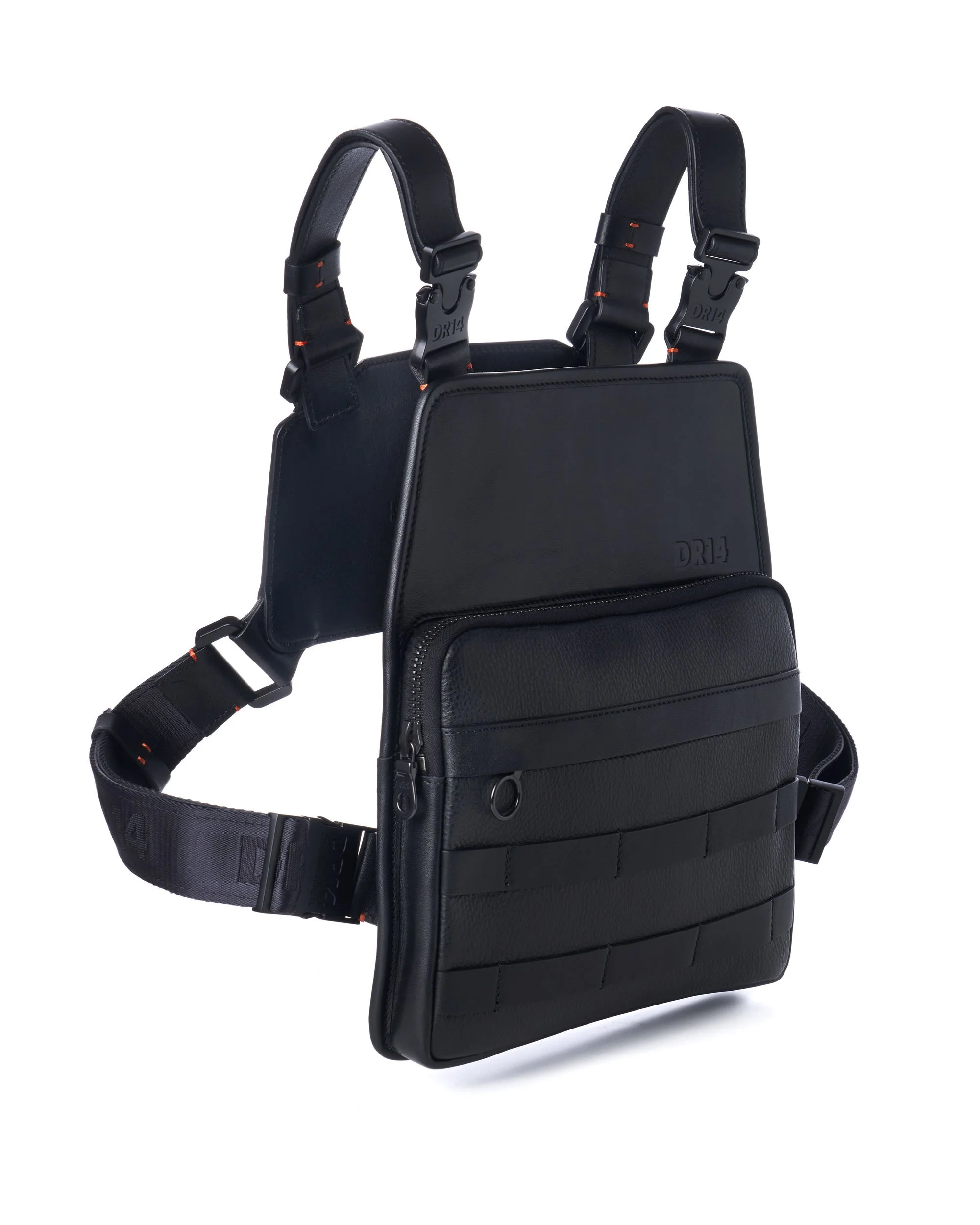
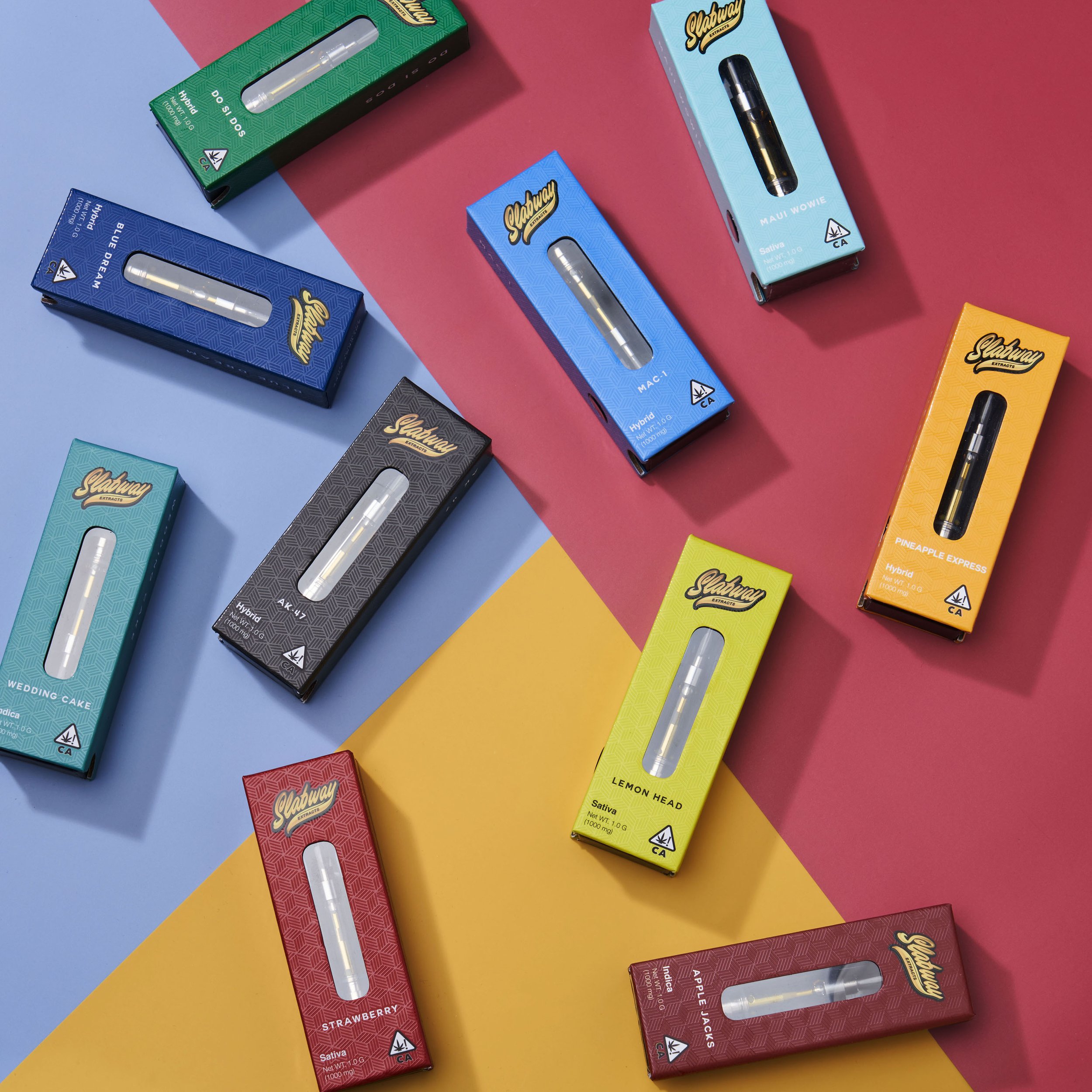
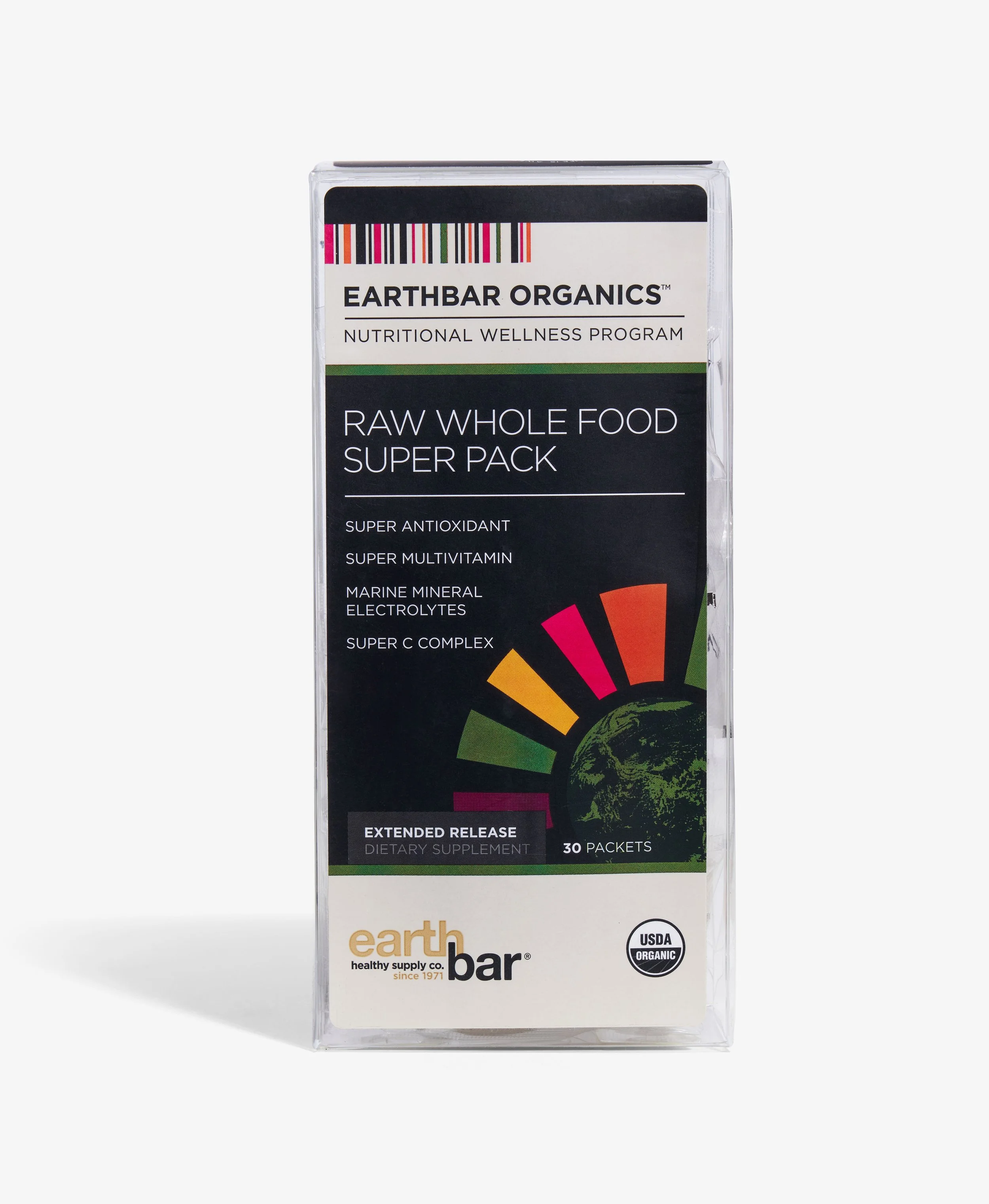
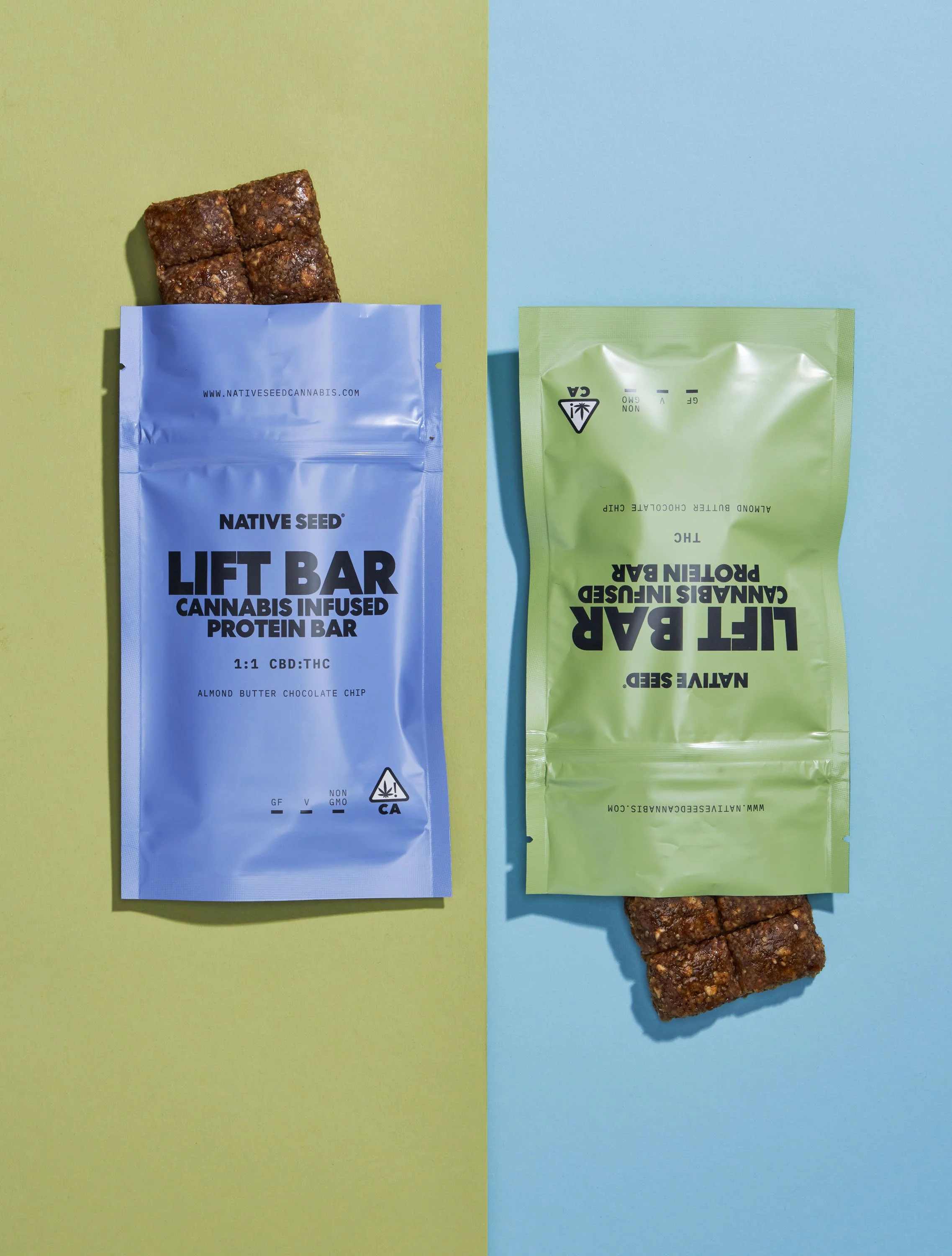
Consistent lighting and color control are what separate DIY photos from truly brand-ready visuals. © Rare Studio LA

3. Real Costs Beyond the Price Tag

Removing dollar amounts reveals a more useful comparison:

The meaningful cost isn’t the fee—it’s the effect on team bandwidth, visual consistency, and brand performance.

In-House Costs Usually Come From:

  • Staff hours spent shooting and editing

  • Slower turnaround times

  • Inconsistent results that eventually require reshoots

  • Overtime needed when product lines grow

  • The gradual expansion of equipment and software

Professional Photographer Costs Usually Cover:

  • Consistent brand visual identity

  • Efficient production workflow

  • Expert lighting and retouching for challenging materials

  • Images optimized for platforms with strict standards

  • Creative direction and conversion-focused decisions

The question becomes: Which cost aligns with your brand’s stage and goals?

4. Which Option Fits Your Brand?

In-House Makes Sense If:

  • You produce new SKUs frequently

  • You need fast, constant updates

  • “Good enough” visual quality works for now

  • You want control over small iterative assets (internal use, packaging records)

Hiring a Professional Makes Sense If:

  • You need consistent, high-quality visuals across all marketplaces

  • Your products are reflective, textured, transparent, or otherwise difficult to light

  • You rely on paid ads or Amazon listings for conversion

  • You’re building a premium brand and need polished presentation

  • You want predictable, repeatable quality without internal labor overhead

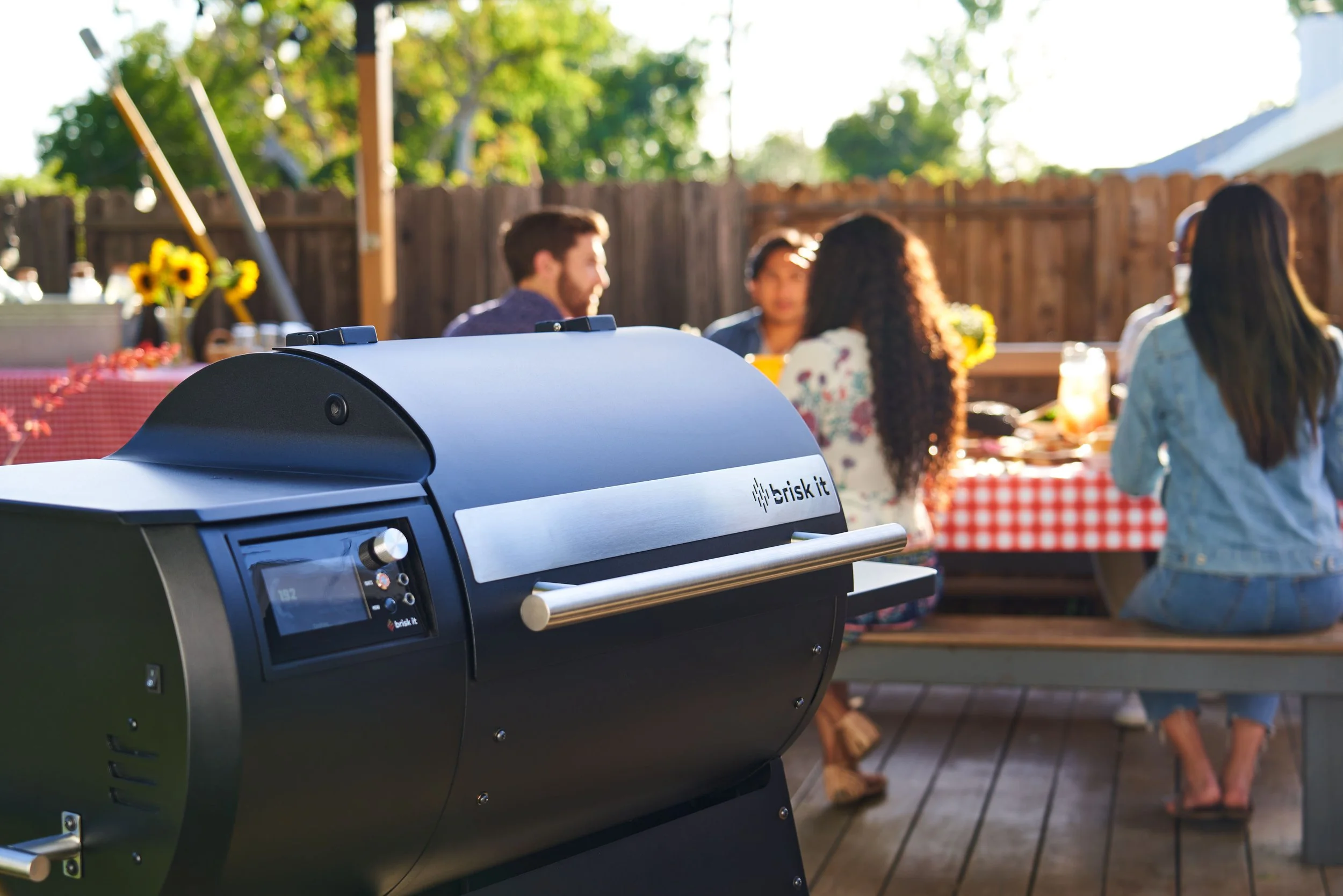
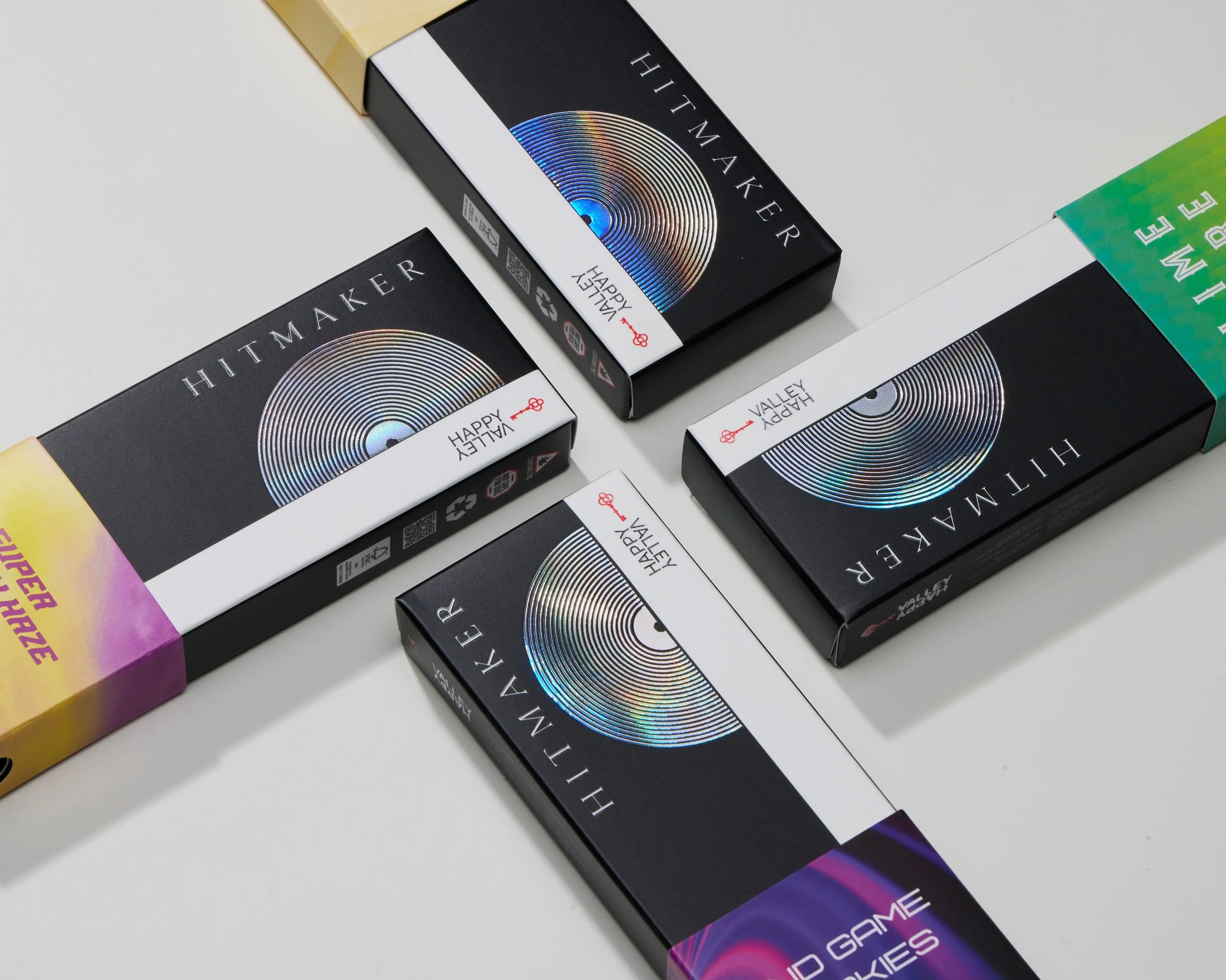
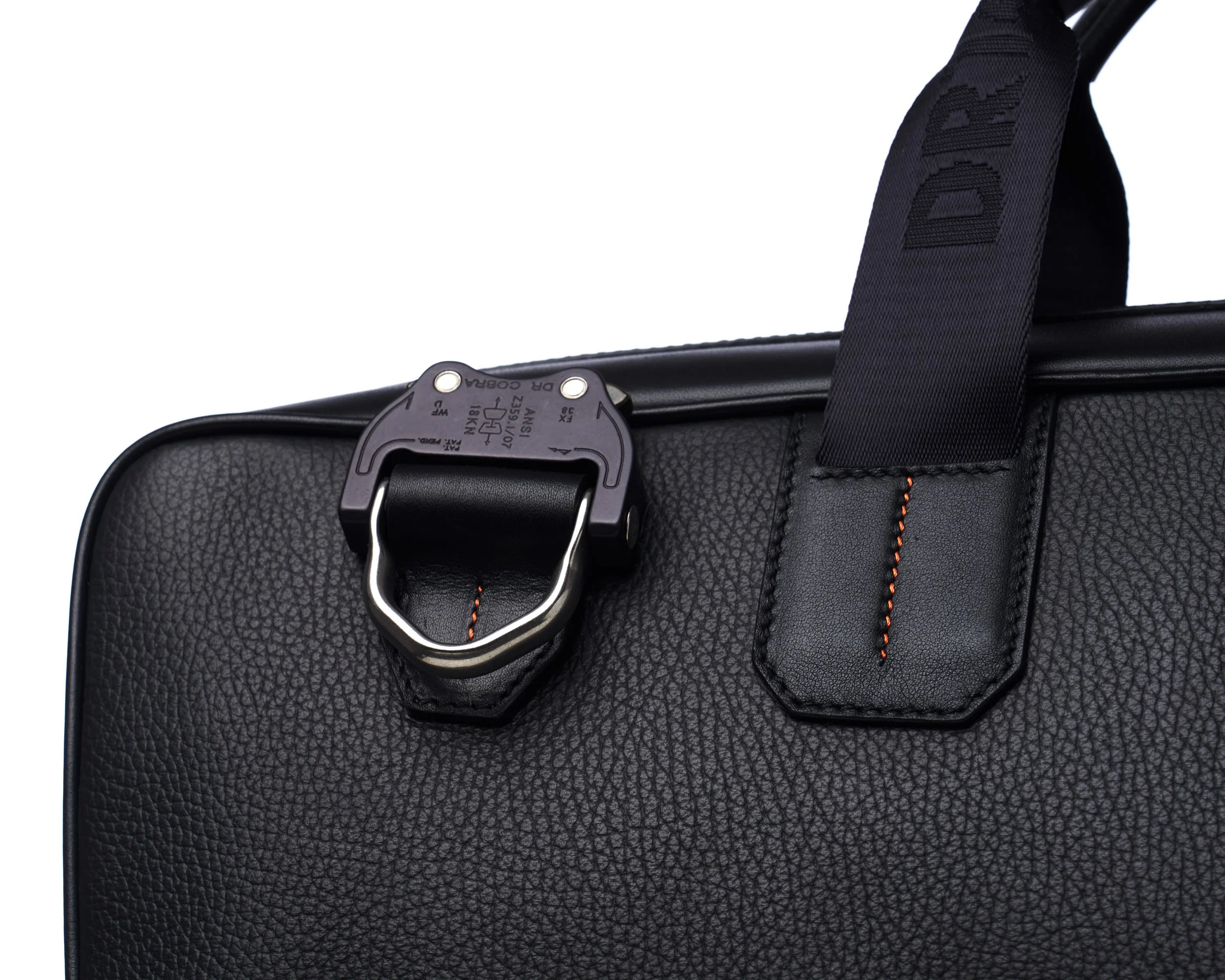
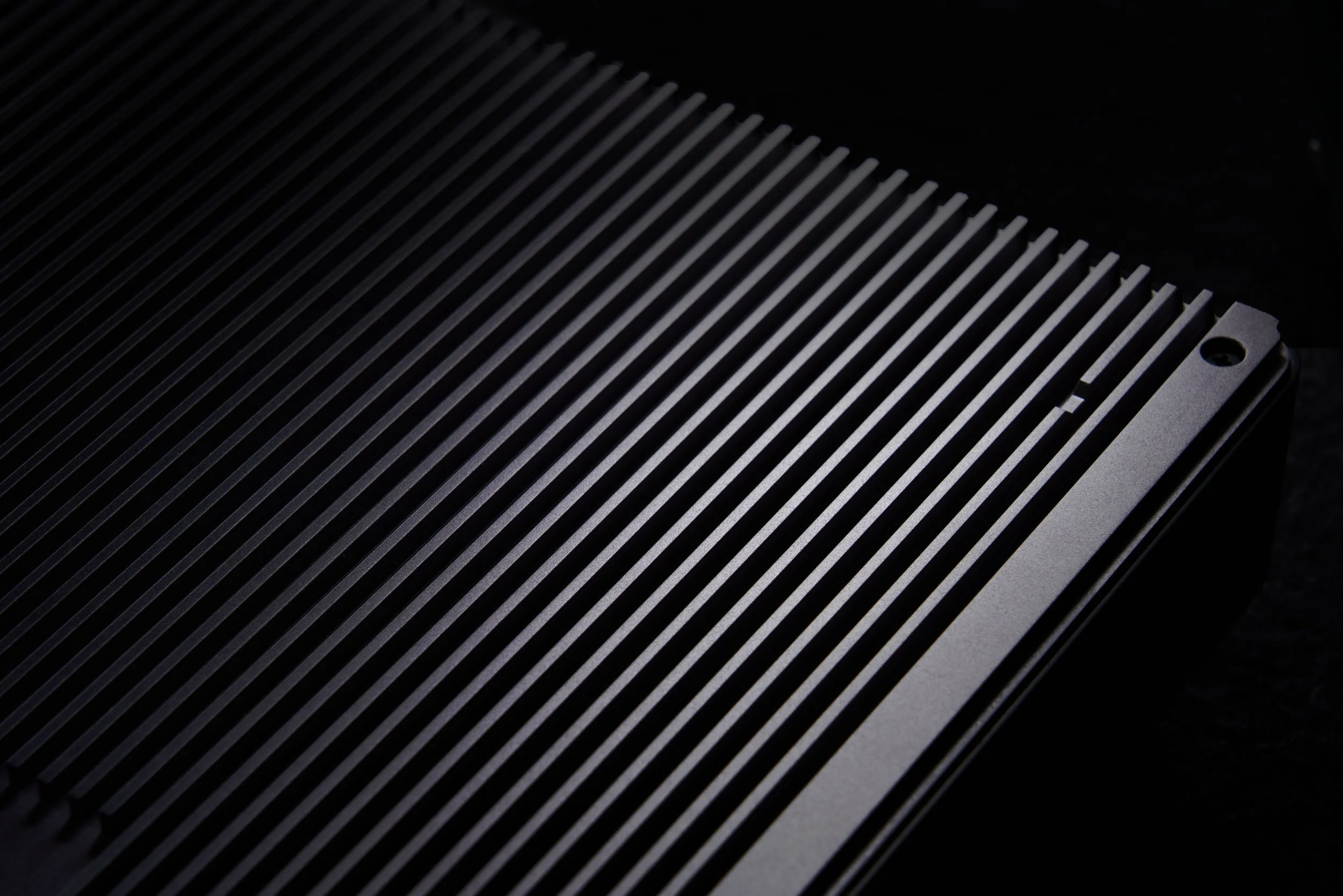
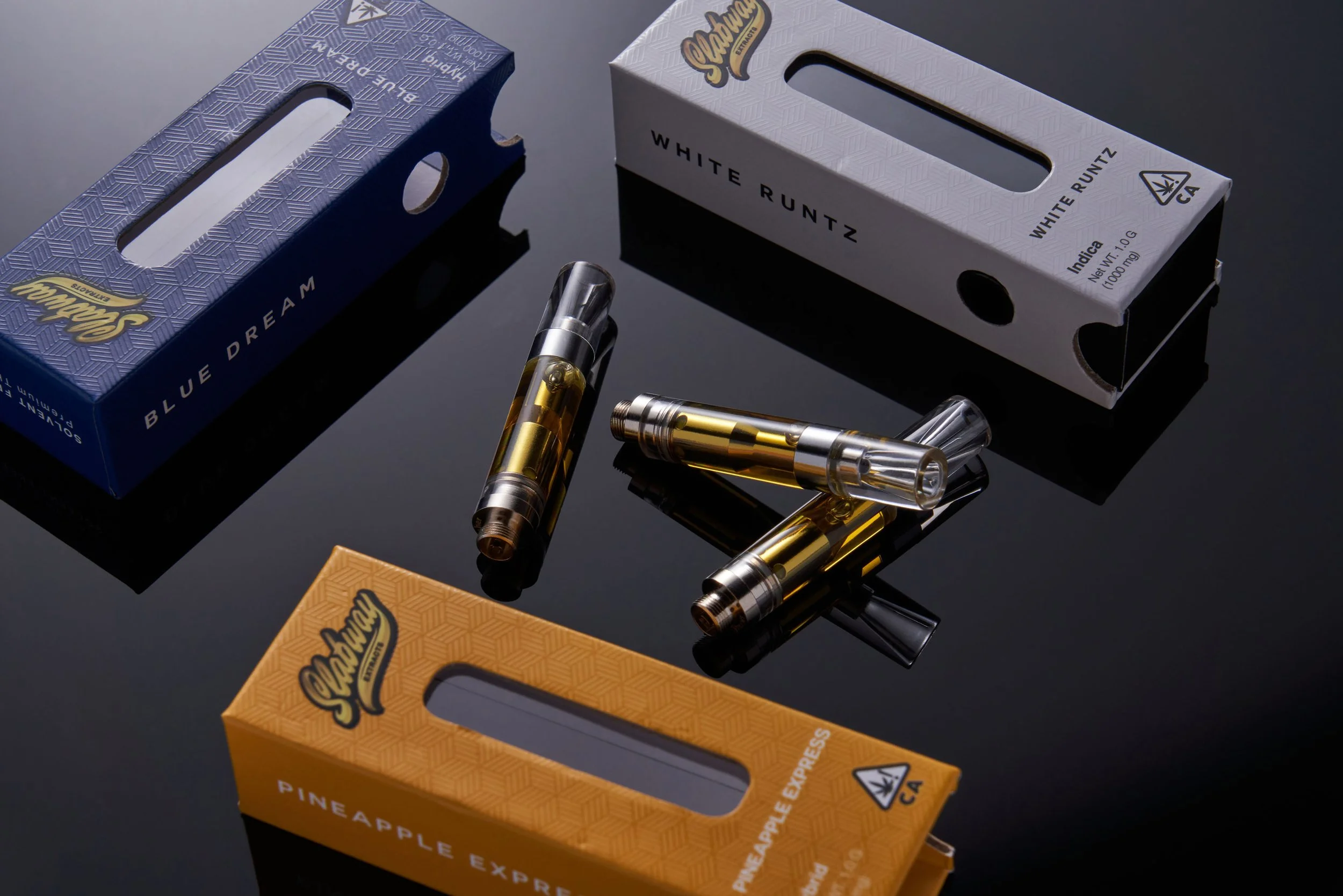
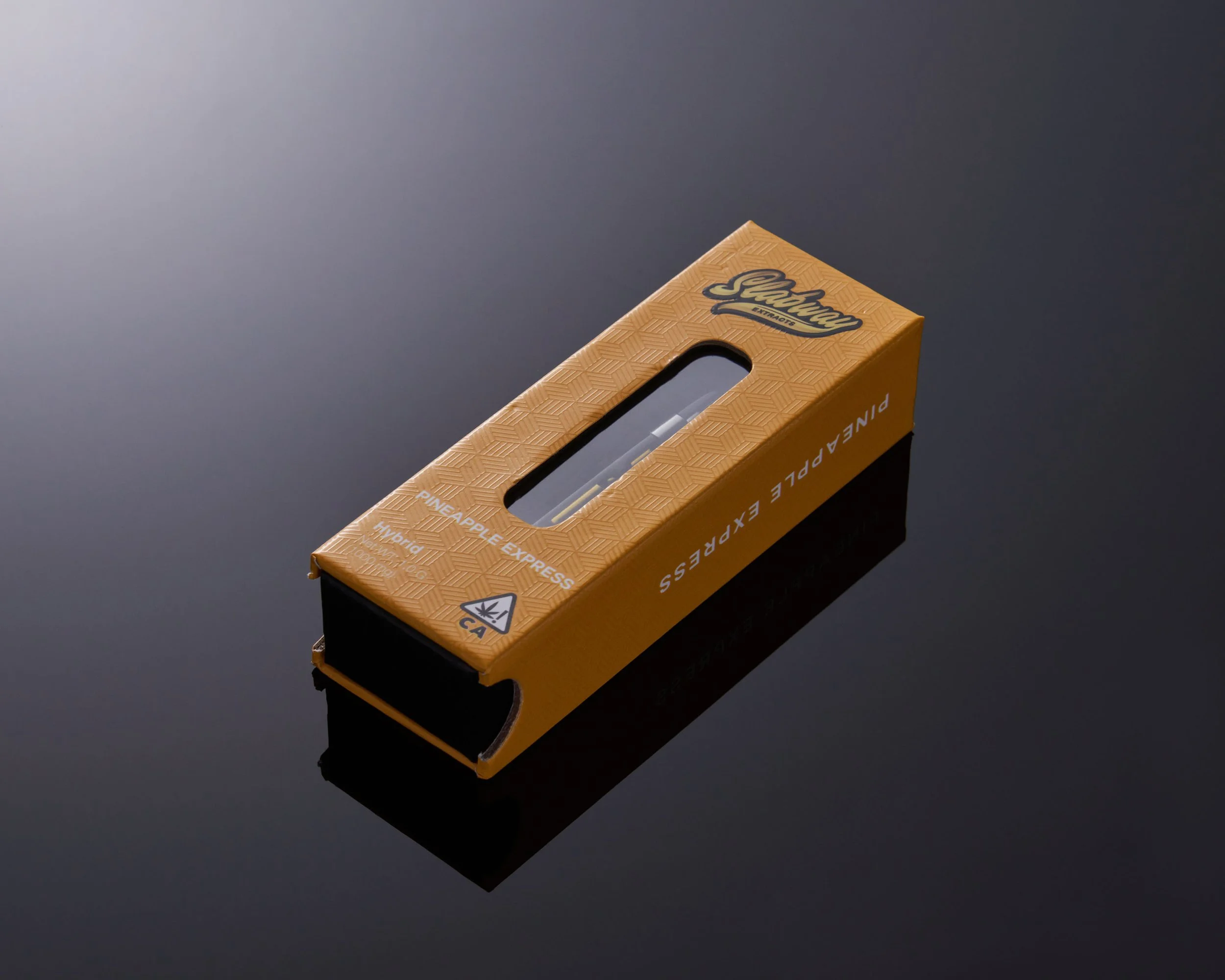
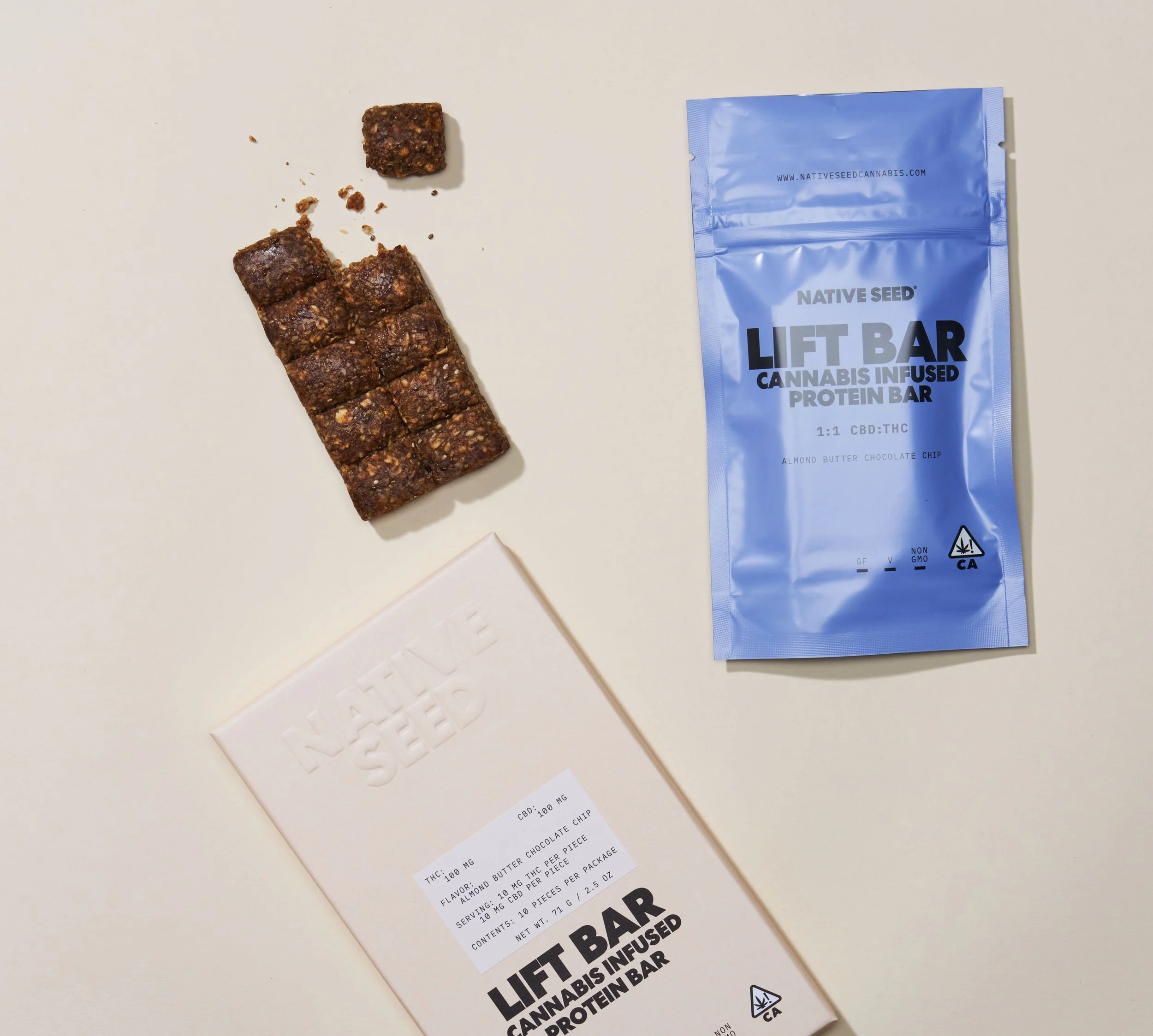
Detail shots like this show why expert lighting and styling matter for conversion-focused brands. © Rare Studio LA

5. Why Many Brands Choose a Hybrid Model

A blended approach often works best:

  • In-house handles quick updates and light content needs

  • A professional handles hero images, campaigns, and anything tied to sales performance

This gives brands agility without sacrificing visual cohesion.

6. The Real Cost of Low-Quality Photography

Poor visuals don’t just look unpolished—they directly impact performance.

Brands typically see drops in:

  • click-through rate

  • add-to-cart rate

  • ad efficiency

  • customer trust

  • overall perceived product quality

Photography should be considered infrastructure, not an accessory.

It’s as foundational as your packaging, website, and brand identity.

Need help figuring out what makes sense for your brand?

Every team reaches that moment where DIY photos stop being enough, and bringing in a professional starts to make more sense. If you’re in that in-between stage—or you just want your visuals to feel more consistent—we’re here for that conversation.

At Rare Studio LA, we help brands build a visual system that actually supports how they grow, whether that means guiding your in-house team or taking full ownership of the photography.

You can check out our work at rarestudiola.com and see what clients say about us on Google whenever you’re ready.

How to Build a Consistent Visual Identity Across Amazon, Shopify, and Social Media

A strong brand isn’t built on one great photo or one well-designed ad. It’s built on consistency.

Customers might first see you on Instagram, then visit your Shopify store, and finally make a purchase on Amazon. If those three experiences look and feel disconnected, your brand loses credibility before the product even has a chance to impress.

Consistency is what turns casual browsers into loyal customers. Here’s how to build it across every platform where your brand shows up.

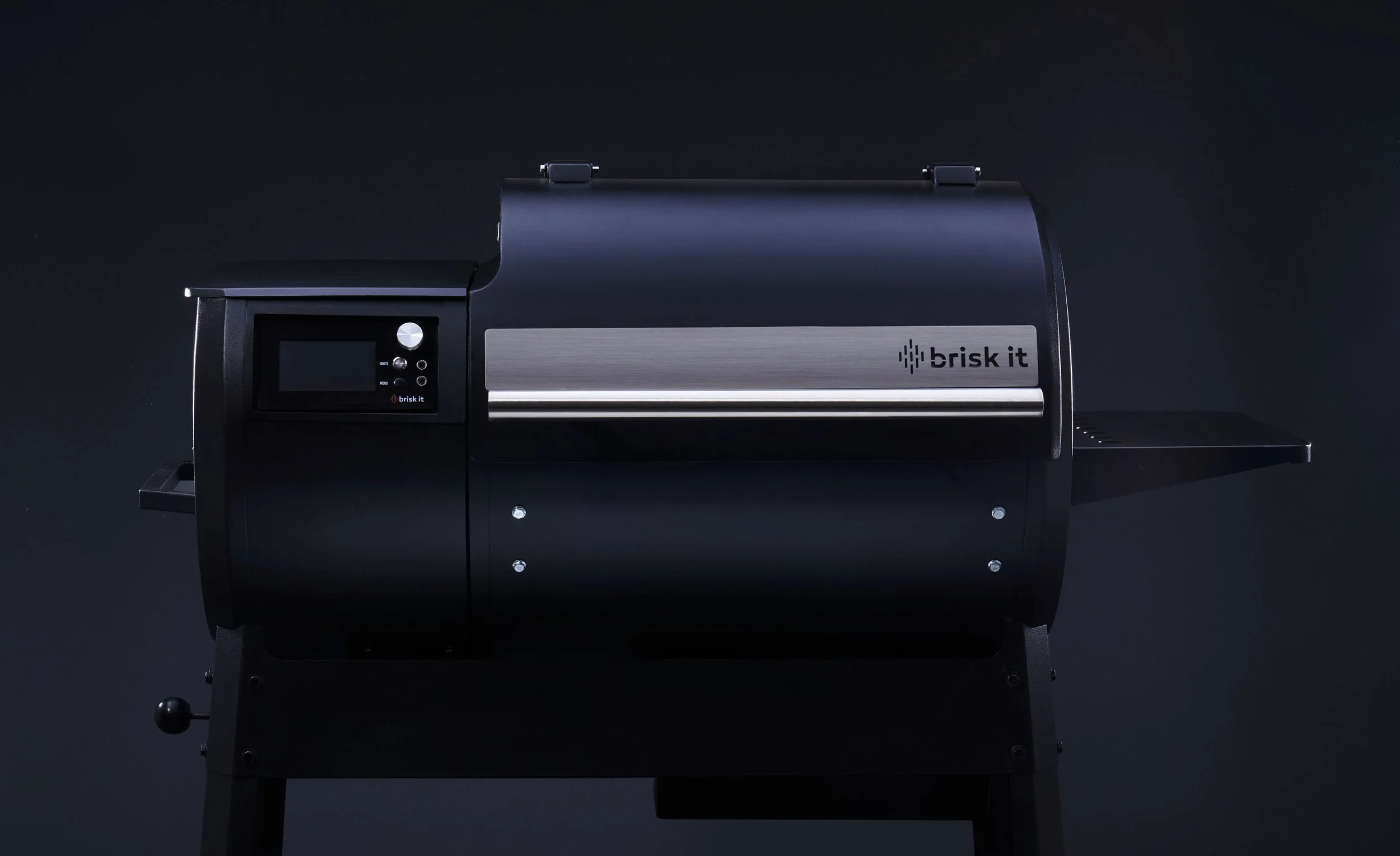
Consistent color and composition keep your product looking unmistakably yours. © Rare Studio LA

Start With Your Core Look

Every brand needs a visual foundation—a color palette, tone of lighting, and design style that never changes no matter the platform.

If your Shopify site uses soft daylight and muted tones, but your Amazon listing is overly bright and saturated, you’ve broken that visual thread.

Before you post or upload anything, define the non-negotiables:

  • Color tone (cool, neutral, or warm)

  • Background style (white, textured, lifestyle)

  • Composition and spacing

  • Brand accent colors and typefaces

Once that foundation is set, you can adapt it to each platform’s format without losing the essence of your brand.

Adapt, Don’t Redesign

Amazon, Shopify, and social platforms each have their own purpose. Your visuals should adjust to those contexts—but not change entirely.

On Amazon, clarity wins. Customers need to see the product clearly and trust what they’re buying. Use clean white backgrounds, consistent angles, and accurate color.

On Shopify, you can expand that visual story. Mix product detail shots with lifestyle images, testimonials, and videos to create a more immersive experience.

On social media, especially Instagram or TikTok, emotion matters most. This is where you can show movement, people, or behind-the-scenes content that humanizes your brand.

The key is to adapt the message, not reinvent the look. Each platform should feel like a different chapter of the same story.

A unified lighting style creates instant brand recognition across every platform. © Rare Studio LA

Keep Your Color and Light Consistent

Lighting and color are the invisible glue that holds a brand’s visuals together.

If your Amazon photos are bright white but your social media feed uses moody tones, the brand identity starts to fragment. The same product can look completely different from one platform to the next.

The solution is simple but powerful: establish lighting standards and stick to them. Decide what your “daylight” looks like—soft natural light, high-contrast studio, or a specific temperature—and apply it across every shoot.

That consistency builds immediate recognition, even before someone reads your logo.

Align Your Copy and Design

Visual identity isn’t just about photography. It’s also about how you communicate.

Use the same tone of voice, typography, and layout hierarchy across Amazon bullet points, Shopify pages, and social captions. Your visuals tell the story, but your words carry the brand’s personality.

The most cohesive brands don’t feel like they’re in three different places—they feel like they’re everywhere, speaking in one clear voice.

When every image shares the same visual language, your brand feels cohesive and premium. © Rare Studio LA

Refresh, Don’t Reinvent

As your brand evolves, your visuals will too—but consistency doesn’t mean stagnation.

Plan seasonal updates or small styling shifts that keep things fresh while staying within your visual framework. It’s the difference between growing and rebranding. Customers should recognize you instantly, even as you improve over time.

Why Consistency Wins

Every platform has its own rules, but your brand’s identity should stay constant.

When your photography, design, and messaging align across Amazon, Shopify, and social media, your business looks organized, credible, and ready to scale.

Cohesion builds trust. Trust builds sales.

Let’s Bring Your Brand to Life!

Building a consistent visual identity takes more than good products—it takes clear direction and strong execution.

At Rare Studio LA, we help brands develop and maintain a cohesive visual style across every touchpoint, so your audience instantly recognizes who you are.

Explore our work at rarestudiola.com and see client reviews on Google.

The Difference Between Editorial vs. E-Commerce Photography—and When You Need Both

If you sell products online, you’ve probably come across the terms editorial and e-commerce photography.

They often get used interchangeably, but they couldn’t be more different. One tells a story; the other builds trust. The best brands know how to use both.
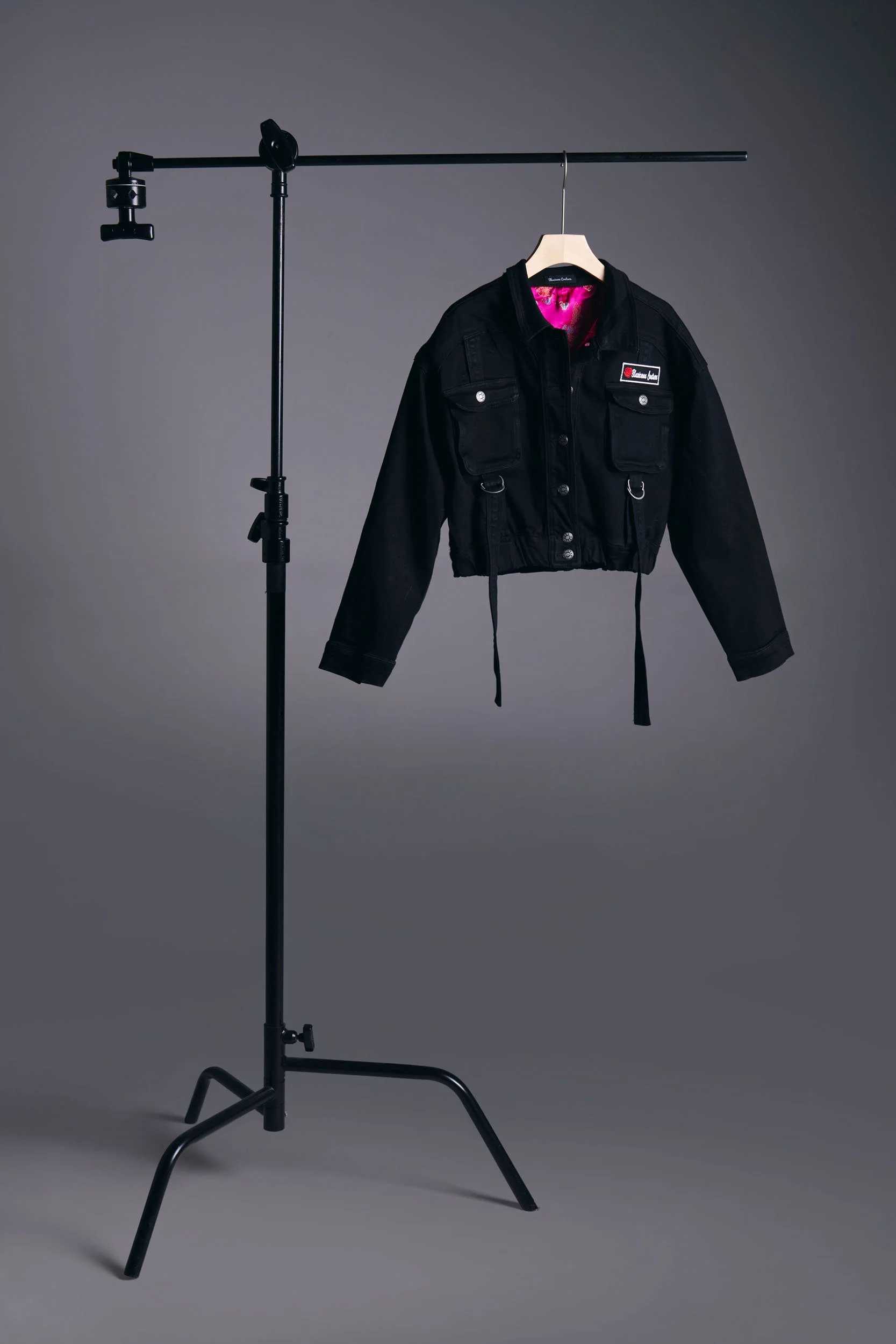
Example of e-commerce photography. © Rare Studio LA

E-Commerce Photography: Clarity Sells

E-commerce photography is the foundation of your product catalog. It’s straightforward, precise, and designed to answer every question a customer might have before buying.

These are the clean, consistent images you see on product listings—white backgrounds, even lighting, neutral shadows. Every product is shown the same way so your catalog feels unified.

When done well, the photos disappear and the product takes center stage. Customers don’t think about the lighting or setup; they simply trust that what they see is accurate.

It’s not about creativity for its own sake—it’s about clarity. These images are built to convert.

Example of editorial photography. © Rare Studio LA

Editorial Photography: Emotion Connects

Editorial imagery lives on the other end of the spectrum. Instead of showing what something is, it shows what it feels like.

Think of a lookbook, a lifestyle campaign, or an ad that makes you pause. The lighting might be softer, the angles looser, the styling more expressive. The goal is emotional connection—showing how your product fits into real life, or the kind of lifestyle it represents.

A pair of shoes photographed in a studio might sell them.

The same shoes in an editorial scene—a street corner, morning light, someone mid-step—can make you want them.

Editorial photography adds personality and story to your brand. It turns products into experiences.

Why You Need Both

Some brands focus entirely on e-commerce photography and wonder why their social content feels flat. Others lean heavily on lifestyle imagery and forget to give customers the clear product information they need to actually buy.

The truth is, the two work best together.

E-commerce photos convert.

Editorial photos connect.

One builds confidence, the other builds emotion.

When they’re aligned in tone and style, your brand feels cohesive everywhere—from your website to your ads to your social feed.

Building the Right Balance

Start with e-commerce images. They’re essential for your product listings and are often the first touchpoint for new customers. Once those are consistent, introduce editorial imagery to bring depth and identity to your visual presence.

Even a handful of strong editorial shots can shift how your brand is perceived. They show customers not just what you sell, but who you are.

The combination of clarity and emotion is what turns good photography into a brand language.

Need help?

At Rare Studio LA, we create high-converting product photography for brands that care about how they show up.

Explore our work at rarestudiola.com and see client reviews on Google.

Your Creative Brief Sucks (Here’s How to Write One That Photographers Actually Use)

Most brands think they have a “creative brief.”

In reality, what they hand over is a half-page email that says something like:

“We’re going for a clean, modern vibe. Nothing too staged. Make it feel natural.”

That’s not a brief. That’s a vibe check.

A real creative brief does one thing well—it helps the photographer make decisions without guessing what you mean. If your team spends hours giving feedback after every shoot, it’s probably because your brief didn’t do its job.

Here’s how to fix it.

A moodboard sets the direction without the guesswork. © Rare Studio LA

1. A Picture Is Worth A Thousand Words

The fastest way to align with your photographer is to use visual references. Build a small moodboard—five to ten images is enough—that captures the tone, color, and lighting you want.

If you’re aiming for a glossy editorial look, show an example. If you want daylight realism, include that too. Words are open to interpretation, but pictures speak your language instantly.

Good briefs don’t just say what to do; they show what success looks like.

2. Be Clear About Deliverables

This is where most briefs fall apart. “We just need a few shots” turns into “Actually, can we also get…” halfway through the shoot.

List exactly what you need before the camera turns on:

  • How many products

  • What angles or variations

  • Which shots are priority

  • Output format (vertical, square, horizontal)

  • Where each image will be used (website, ads, Amazon, print)

The clearer this section is, the faster and cheaper production becomes.

The space is part of the brief—show it clearly. © Rare Studio LA

3. Define Your Brand Context

Photographers aren’t mind readers. Give them a sense of who you are and who your customers are.Are you a luxury skincare brand or an affordable lifestyle line? Are you selling to Gen Z or corporate professionals? The same lighting and styling won’t work for both.
Even one paragraph of context helps a photographer understand what story they’re helping you tell.
4. Include “Don’t”s

Every creative brief should have a short list of things to avoid. Maybe you hate harsh shadows, bright red props, or artificial-looking retouching.

Writing those down early saves hours of back-and-forth later. It’s often easier to describe what not to do than to perfectly define what you want.

Showing the look beats describing it. © Rare Studio LA

5. Treat It Like a Collaboration

The best briefs come from conversation, not templates. Don’t just email it and disappear. Walk your photographer through the document. Ask what might need clarification.

A five-minute conversation can prevent a week of reshoots.

So, What Does a Good Brief Look Like?

At minimum, it should include:

  1. Brand background and audience summary

  2. Visual references or moodboard

  3. Shot list with priorities

  4. Technical requirements (orientation, resolution, usage)

  5. Notes on tone and things to avoid

If your document checks those boxes, congratulations—you’ve already written a better brief than 90% of brand teams.

Feeling overwhelmed? We can help!

Rare Studio LA offers free consultation sessions to walk you through the process—from planning and pricing to production and delivery.

Schedule a quick call or send us a message to get started.

Explore more at rarestudiola.com or find us on Google.

The True ROI of Great Product Photography: How One Brand Increased Conversions Amazon Top Seller

Some products succeed not because they reinvent the category, but because they present themselves better.

That’s the case for a lunch box brand we worked with—a company that now consistently ranks among the top sellers in its Amazon category.

Their product line includes multiple SKUs, but their best-performing set is designed for students and young kids. The design is thoughtful, the quality is solid—but not dramatically different from their competitors. What truly sets them apart is how they show up visually.

Real moments over perfection. A bright, approachable setting that communicates warmth, clarity, and trust—all without feeling staged. ©Rare Studio LA

Branding That Feels Intentional

From the moment you land on their Amazon page, everything feels cohesive. The colors are bright but not overwhelming, the design is simple, and the copy is clean. It looks trustworthy and family-friendly without feeling cheap.

That consistency extends into their photography. Every image reinforces their visual identity—playful, approachable, and clear. The photos are clean, balanced, and built around the same warm color palette that runs through the rest of their branding.

When a shopper scrolls through Amazon search results, that visual consistency makes them stand out immediately.

Photography That Serves the Brand

We helped them produce two types of images:

clean e-commerce photos for clarity and vibrant lifestyle images for emotional connection.

The white-background shots are bright and accurate, designed for Amazon listings where clarity and scale matter most. The lifestyle images, meanwhile, show real-life use—lunches packed neatly, cheerful color combinations, hands reaching into open containers, kids at the table enjoying their meals.

The visuals feel natural and genuine, not staged or overly commercial. Every photo supports the brand’s story: simple, healthy, happy daily life.

This balance of clarity and warmth made the brand immediately recognizable.

Lifestyle imagery that feels natural and relatable—showing how thoughtful design fits effortlessly into everyday life. ©Rare Studio LA

Why It Works

A clear brand direction only matters if the execution brings it to life.

This brand already had a solid foundation—a good product, thoughtful design, and a clear audience. What truly set them apart was how well everything was carried out.

The photography didn’t reinvent the concept; it realized it. Every detail—the lighting, the color choices, the styling—was done with intent. The execution matched the strategy, and that’s what made the visuals work so well.

When the planning is thoughtful and the execution precise, good ideas become results.

Want help?

At Rare Studio LA, we create high-converting product photography for brands that care about how they show up.

Explore our work at rarestudiola.com and see client reviews on Google.

What Every Brand Owner Gets Wrong About “Simple” White Background Photos

Many brand owners assume white background photography is easy. It’s just a product on a clean surface, right? Point the camera, add light, and you’re done.

If only it were that simple.

The truth is, white background photography looks effortless only when every detail has been carefully controlled. When it’s done right, the product feels crisp and dimensional. When it’s done wrong, it looks flat, cheap, and uninspired. And in e-commerce, that difference costs real money.

A black leather duffle shot on a controlled white set — every reflection balanced to keep depth and texture intact. ©Rare Studio LA

1. The Background Isn’t Always White

What looks white to the eye is often closer to gray on camera. The tone of the background changes depending on exposure, lighting position, and color temperature.

A true white background that meets e-commerce standards requires precision. Too much exposure and the edges disappear. Too little and the image feels dull. Achieving the right balance takes skill in lighting and post-production, not a single flash and a white sheet.

2. Shadows Give the Image Life

Many people try to remove all shadows, thinking it will make the photo cleaner. The result often feels sterile/cutout.

Soft, controlled shadows help define the product and create depth. Without them, bottles, boxes, and reflective surfaces lose shape and look unrealistic. Good lighting design doesn’t eliminate shadows, it uses them to make the object look natural and three-dimensional.

Even “simple” fabrics need nuanced lighting to stay dimensional and true-to-life. ©Rare Studio LA

3. Consistency Is the Hard Part

One image might look great on its own, but a full catalog exposes inconsistencies fast. One photo is cooler, another warmer, one brighter than the rest. Suddenly your brand feels uneven.

Consistency is what makes a collection look professional. Each image should match in exposure, color, and crop so everything feels like it belongs together. That’s what gives a brand polish and trustworthiness.

4. Editing Is More Than Cutting Out the Background

Automated tools can remove a background quickly, but they rarely produce results that look professional. Edges often appear fuzzy, shadows disappear, and the product looks unprofessional, that's why at Rare Studio LA, we are aware of the automated tools and the AI tools. But after testing, we still prefer cut out by professional retouchers.

Polished highlights and soft shadows make jewelry feel tangible, not cut out. ©Rare Studio LA

5. LIGHTING IS EVERYTHING

Lighting is the single biggest factor that separates an average product photo from a great one. Many people think it’s as simple as pointing a few lights at the product and pressing the shutter, but light quality matters just as much as light quantity.

The direction, intensity, and softness of the light all shape how a product feels. Good lighting reveals texture, depth, and build quality—it shows the materials for what they really are. It also preserves true color, which is essential for accuracy in e-commerce.

Too much light, on the other hand, can wash out details and make products look flat. Overexposure hides texture instead of enhancing it, and shadows disappear where you actually need them for definition.

Professional lighting isn’t about brightness. It’s about control. The right balance brings your product to life.

Why It Matters

White background photos are often the first impression of a product. They show up on ads, search results, and online listings before anyone clicks through to your site. Want help? At Rare Studio LA, we create high-converting product photography for brands that care about how they show up.

Explore our work at rarestudiola.com and see client reviews on Google.

How to Plan a Successful E-Commerce Photoshoot Without Blowing Your Budget

In e-commerce, strong visuals can make or break a sale. Shoppers can’t touch or test your product before buying—they rely entirely on the photos.

Still, many business owners and marketing teams assume professional photography requires a huge budget. In reality, great images come from smart planning, not overspending. With the right preparation, you can get polished, high-performing product photos without stretching your finances.

Great visuals start with a clear moodboard. ©Rare Studio LA

1. “Affordable” Isn’t the Same as “Cheap”

Lowering costs doesn’t have to mean lowering quality. The real waste often happens when a shoot isn’t planned well—reshoots, uneven lighting, or mismatched color tones that make the catalog look inconsistent.

When your visuals feel cohesive, customers see your brand as reliable and professional. That perception directly affects whether they choose to buy from you. Spending strategically on fewer, well-executed images will always outperform a large set that feels rushed or inconsistent.

2. Start With a Clear Shot List

Before booking a studio or photographer, outline exactly what you need. List each product, the types of shots required (main, detail, group, lifestyle), and where those photos will be used—your website, ads, or marketplaces.

A defined shot list saves time on set and prevents last-minute confusion. It also helps you get accurate quotes and avoid unexpected costs later.

Label each image as “must-have” or “nice-to-have” so you know what can be scaled back if needed.

Consistent posing and lighting unify your brand’s visual story. ©Rare Studio LA

3. Define the Look Before the Shoot

A clear creative direction keeps your project efficient. Gather a few reference images that capture your preferred tone, lighting, and composition. Even a small collection of visuals communicates your expectations better than a long written description.

It’s ok to use terms like “clean” or “modern.” But, when you show specific examples so the photographer can align with your vision better. The clearer the direction, the fewer revisions you’ll need afterward.

4. Batch Products by Type

Setup time is what usually drives up costs. Group similar products—by size, color, or material—so the lighting and background can stay consistent.

Batching allows the team to move faster and maintain visual uniformity across your catalog. A day’s worth of shooting can often cover more products simply by keeping the setup efficient.

Confidence and connection show through every pose. ©Rare Studio LA

5. Focus on the Images That Matter Most

You don’t need dozens of angles for every product. Focus on the photos that have the most impact on sales.

Start with a strong hero image that captures your product clearly and attractively. Then add clean white-background shots for listings or catalogs. Lifestyle or editorial photos can come later as your budget allows.

A smaller set of thoughtful, high-quality images will do far more for your brand than a large batch of filler content.

6. Standardize the Editing Process

Consistent post-production is what ties everything together. Even well-shot photos can look off if the editing isn’t standardized.

Set expectations for exposure, white balance, color tone, and file naming before shooting. That ensures your final images feel cohesive across all platforms. If editing isn’t done in-house, make sure your studio or retoucher understands these standards before delivery.

Minimal, elegant, and brand-aligned. ©Rare Studio LA

Feeling overwhelmed? We can help!

Rare Studio LA offers free consultation sessions to walk you through the process—from planning and pricing to production and delivery.

Schedule a quick call or send us a message to get started.

Explore more at rarestudiola.com or find us on Google.

Why Low-Quality Product Photos Are Costing You Sales

In e-commerce, your photos are your storefront. If they look cheap, cluttered, or inconsistent, that’s exactly how your product—and your brand—will be perceived.

Studies show over 75% of shoppers judge product quality based on visuals alone. If your bounce rate is high, conversions are low, or you’re getting returns with comments like “didn’t look like the photo,” chances are your images are part of the problem.

This is especially true in competitive markets like LA, where brands are fighting for attention and trust. Clean, strategic visuals aren’t a bonus—they’re a baseline.

Before vs. after: same product, different execution. ©Rare Studio LA

What to do:

  • Invest in professional photography. It’s not about having “nice” images—it’s about trust, brand consistency, and conversion.

  • Mix white background shots with editorial or lifestyle images. Show function and feel.

  • Treat photos as part of your sales strategy. Align them with your marketing goals, not just your product specs.

Your product photos are often the first impression customers get. If that impression isn’t strong, you’re leaving sales—and brand value—on the table.

Before vs. after: good lighting reveals the product’s full potential. ©Rare Studio LA

Want help?

At Rare Studio LA, we create high-converting product photography for brands that care about how they show up.

Explore our work at rarestudiola.com and see client reviews on Google.

Why Most Product Photos Fail (And How to Fix Yours) – A Guide to Professional Product Photography in Los Angeles

• If your e-commerce product photography isn’t converting, you might be losing thousands in potential sales. As a professional product photographer for brands, I’ve seen how the right images can make or break a business.

• Whether you’re looking for high-end product photography, white background product photography, or commercial photographer services in LA, your visuals need to sell, not just look pretty.

• In this guide, I’ll break down why most product photos don’t drive conversions—and how to fix them with the right e-commerce photography services.

5 Reasons Your Product Photos Aren’t Converting (And What You’re Doing Wrong)

1. Boring, Flat Images – Low-quality or uninspired product shots turn potential buyers away.

2. Inconsistent Brand Aesthetic – Your e-commerce catalog lacks a cohesive look.

3. Poor Lighting & Composition – The wrong setup makes products look cheap.

4. No Context or Lifestyle Shots – Customers struggle to imagine your product in real life.

5. Using the Wrong Image for the Funnel – The same photo won’t work for ads, listings, and social.

5 Easy Fixes for More Effective Product Photography

1. Establish a Brand Style Guide for Consistency

• Use a Los Angeles photography studio for businesses to ensure uniform lighting, angles, and aesthetics.

Example: How luxury brands maintain a cohesive high-end look across all platforms.

2. Incorporate Lifestyle & Contextual Shots

• Pair white background product photography with in-use images for better engagement.

Example: A jewelry brand saw a 25% boost in sales by adding lifestyle shots.

3. Optimize Lighting & Composition for a Premium Look

• A corporate product photography studio ensures professional lighting setups that enhance product details.

4. Use the Right Image Type for the Right Marketing Channel

E-commerce product photography packages should include high-detail product listings, ad-friendly hero shots, and engaging social content.

5. Test & Analyze Your Product Images

• Brands using high-volume product photography A/B test different shots to see which convert best.